pyarts3.plots
Plotting ARTS data.
This module provides functions related to plotting ARTS data based only on the type of the data. Each submodule is named exactly as the data type it can plot, which is also the name of a builtin group. It is supposed to be a helpful way to get a quick overview of the data in a given ARTS data structure.
Each submodule provides a plot()-method. The generic plot() function in this module dispatches to the appropriate submodule based on the type of the input data. Only exact type matches are considered. For unavailable types, a TypeError is raised. Each submodule’s plot() function accepts the same 3 parameters:
data: The ARTS data to plot.fig: An optional matplotlib Figure to plot on.ax: An optional matplotlib Axes (or list/array of Axes) to plot on.
Additional keyword arguments are forwarded to the specific plot() function, which if they are not recognized directly by the specific plot() function are forwarded yet again to the underlying matplotlib plotting functions.
Tip
Below you will find examples using mock-data to illustrate the usage of the specific plot-functions. In practice, you would use ARTS data created by running ARTS simulations.
Generic Plot Function
- pyarts3.plots.plot(data: object, *, fig: Figure | None = None, ax: Axes | list[Axes] | ndarray[Axes] | None = None, **kwargs) tuple[Figure, Axes | list[Axes] | ndarray[Axes]][source]
Generic plotting function that dispatches to the appropriate plot module.
This function automatically determines the type of the input data and calls the corresponding plot module’s plot() function. All keyword arguments are forwarded to the specific plotting function.
For convenience, this function can be used directly from the main pyarts3 module:
Examples
>>> import pyarts3 as pyarts
>>> vec = pyarts.arts.Vector([1, 2, 3, 4])
>>> fig, ax = pyarts.plot(vec)
>>> mat = pyarts.arts.Matrix([[1, 2], [3, 4]])
>>> fig, ax = pyarts.plot(mat, cmap='viridis')
- Parameters:
data (object) – Any ARTS data type that has a corresponding plot module.
fig (~matplotlib.figure.Figure, optional) – The matplotlib figure to draw on. Defaults to None for new figure.
ax (~matplotlib.axes.Axes | list[~matplotlib.axes.Axes] | ~numpy.ndarray[~matplotlib.axes.Axes] | None, optional) – The matplotlib axes to draw on. Defaults to None for new axes.
**kwargs (
keyword arguments) – Additional keyword arguments to pass to the plotting functions.
- Returns:
fig (matplotlib.figure.Figure) – As input if input. Otherwise the created Figure.
ax (matplotlib.axes.Axes) – As input if input. Otherwise the created Axes.
- Raises:
Plotting Functions by Type
AbsorptionBands.plot
- pyarts3.plots.AbsorptionBands.plot(data: AbsorptionBands, *, mode='normal', fig: Figure | None = None, ax: Axes | list[Axes] | ndarray[Axes] | None = None, freqs: AscendingGrid | int = 1000, atm: AtmPoint | AtmField | None = None, pol: Propmat = [1, 0, 0, 0, 0, 0, 0], species: SpeciesEnum = 'AIR', path_point: PropagationPathPoint = [unknown, unknown, 0, 0, 0, 0, 0, 1, 1], min_pm: float | None = None, **kwargs) tuple[Figure, Axes | list[Axes] | ndarray[Axes]][source]
Creates a plot of the absorption by the bands in the AbsorptionBands object.
If freqs is an index, this is the number of frequency points between the lowest and highest frequency in the AbsorptionBands object. If freqs is an AscendingGrid, it is used directly for the x-axis.
If atm is None, and atmospheric point is created by reading the tropical standard atmosphere from the ARTS database and extracting the AtmPoint at position by the path_point. If atm is an AtmField, the AtmPoint at position by the path_point is extracted.
pol is the dot product of the generated propagation matrix and defaults to the purely unpolarized case.
The species is passed directly to the AbsorptionBands.spectral_propmat() method and defaults to all species (AIR).
The path_point is passed directly to the AbsorptionBands.spectral_propmat() method and defaults to pos: [0, 0, 0], los: [0, 0].
The mode parameter controls the style of the plot. In ‘normal’ mode, all absorption lines are plotted as the sum of the call to AbsorptionBands.spectral_propmat(). In ‘important Y X’ modes, the full absorption is still shown, but the absorption bands object are split by X, where X is one of ‘bands’, ‘species’, or ‘isotopes’. Y is either ‘fill’ or nothing. If it is ‘fill’, matplotlib’s fill_between() is used to color the regions, otherwise line plots are used to show the absorption of the important contributors.
Example
import matplotlib.pyplot as plt
import numpy as np
import pyarts3 as pyarts

lines = pyarts.arts.AbsorptionBands.fromxml("lines/O2-66.xml")
freq = np.linspace(20e9, 140e9, 1001)
lines.keep_frequencies(freq[0], freq[-1])
f, a = pyarts.plots.AbsorptionBands.plot(lines, mode="important fill bands", freqs=freq, fig=plt.figure(figsize=(16, 5)))
a.set_yscale("log")
a.set_xlabel("Frequency [GHz]")
a.set_xticks(np.linspace(20, 140, 7) * 1e9, np.linspace(20, 140, 7))
a.set_ylabel("Absorption [1/m]")
a.legend()
a.set_title("O$_2$ line-by-line absorption 20-140 GHz separated by bands")
(
Source code,svg,pdf)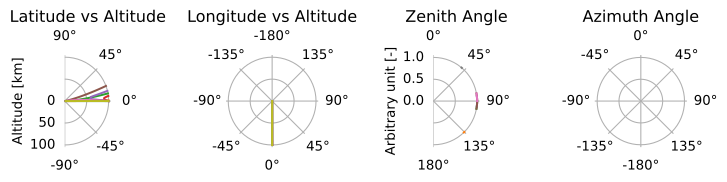
- Parameters:
data (AbsorptionBands) – The AbsorptionBands object containing the data to plot.
mode (str, optional) – The mode to use for the plot - see text for descriptions. Defaults to ‘normal’.
fig (~matplotlib.figure.Figure, optional) – The matplotlib figure to draw on. Defaults to None for new figure.
ax (~matplotlib.axes.Axes | list[~matplotlib.axes.Axes] | ~numpy.ndarray[~matplotlib.axes.Axes] | None, optional) – The matplotlib axes to draw on. Defaults to None for new axes.
freqs (~pyarts3.arts.AscendingGrid | int, optional) – The frequency grid to use for the x-axis. Defaults to None manually creating a range.
atm (~pyarts3.arts.AtmPoint | ~pyarts3.arts.AtmField | None, optional) – The atmospheric point data to use for the plot. Defaults to None computed values.
pol (~pyarts3.arts.Propmat, optional) – The polarization state to consider. Defaults to [1, 0, 0, 0, 0, 0, 0].
species (~pyarts3.arts.SpeciesEnum, optional) – The species to include in the plot. Defaults to AIR for all species.
path_point (~pyarts3.arts.PropagationPathPoint, optional) – The propagation path point to use for the plot. Defaults to pos: [0, 0, 0], los: [0, 0].
min_pm (float, optional) – The minimum absorption to consider a band important. Only used in ‘important Y X’ modes. Defaults to 1% of the minimum absorption in the full propagation matrix.
**kwargs (
keyword arguments) – Additional keyword arguments to pass to the plotting functions.
- Returns:
fig (matplotlib.figure.Figure) – As input if input. Otherwise the created Figure.
ax (matplotlib.axes.Axes) – As input if input. Otherwise the created Axes.
AbsorptionLookupTables.plot
- pyarts3.plots.AbsorptionLookupTables.plot(data: AbsorptionLookupTables, *, mode: str = 'cross_section', fig: Figure | None = None, ax: Axes | list[Axes] | ndarray | None = None, species: SpeciesEnum | str | Sequence[SpeciesEnum | str] | None = None, pressures: Sequence[float] | None = None, temperature_perturbation: int = 0, water_perturbation: int = 0, vmr_profiles: Mapping[SpeciesEnum | str, Sequence[float] | float] | None = None, altitude: Sequence[float] | None = None, gravity: float = 9.80665, cols: int = 3, total: bool = True, unity_line: bool = True, **kwargs) tuple[Figure, Axes | list[Axes] | ndarray][source]
Plot cross-sections or column opacities from ARTS lookup tables.
In
"cross_section"mode, one panel is created per species and one line per selected pressure. In"opacity"mode, the vertically integrated opacity of each species is plotted on one panel. Opacity requires a VMR profile for every selected species except H2O, whose stored reference profile is used by default.- Parameters:
data (AbsorptionLookupTables) – Lookup-table map, keyed by species.
mode ({“cross_section”, “opacity”}, optional) – Quantity to plot.
fig (matplotlib.figure.Figure, optional) – Existing Matplotlib figure.
ax (matplotlib.axes.Axes or numpy.ndarray, optional) – Existing Matplotlib axes.
species (~pyarts3.arts.SpeciesEnum, str, or typing.Sequence, optional) – Species to include. The default includes all tables.
pressures (typing.Sequence of float, optional) – Pressure levels [Pa] nearest to those plotted in cross-section mode. At most six approximately evenly spaced levels are used by default.
temperature_perturbation (int, optional) – Indices along the corresponding lookup-table dimensions.
water_perturbation (int, optional) – Indices along the corresponding lookup-table dimensions.
vmr_profiles (typing.Mapping, optional) – Species VMR profiles used for opacity. Scalars are broadcast over the pressure grid.
altitude (typing.Sequence of float, optional) – Altitudes [m] corresponding to the lookup pressure grid. If omitted, hydrostatic layer thicknesses are estimated from the stored reference temperatures.
gravity (float, optional) – Gravity [m/s2] used for the hydrostatic altitude estimate.
cols (int, optional) – Maximum panel columns in cross-section mode.
total (bool, optional) – Add total-opacity and opacity-one reference lines in opacity mode.
unity_line (bool, optional) – Add total-opacity and opacity-one reference lines in opacity mode.
**kwargs – Forwarded to Matplotlib’s
plotcalls.
- Returns:
fig (matplotlib.figure.Figure) – The Matplotlib figure.
ax (matplotlib.axes.Axes or numpy.ndarray) – The Matplotlib axes.
ArrayOfPropagationPathPoint.plot
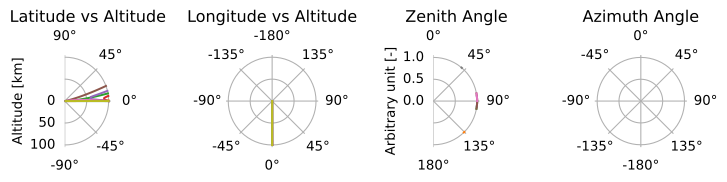
- pyarts3.plots.ArrayOfPropagationPathPoint.plot(data: ArrayOfPropagationPathPoint, *, fig: Figure | None = None, ax: Axes | list[Axes] | ndarray[Axes] | None = None, planetary_radius: float = 0.0, rscale: float = 1000, draw_lat_lon: bool = True, draw_map: bool = True, draw_za_aa: bool = False, **kwargs) tuple[Figure, Axes | list[Axes] | ndarray[Axes]][source]
Plots a single observation in a polar coordinate system
Use the draw_* variables to select which plots are done
The polar plots’ central point is at the surface of the planet, i.e., at planetary_radius/rscale. The radius of these plots are the scaled down radiuses of the input data[0].pos[0] / rscale + planetary_radius/rscale. The default radius value is thus just the altitude in kilometers. If you put, e.g., 6371e3 as the planetary_radius, the radius values will be the radius from the surface to the highest altitude
Note also that longitudes are unwrapped, e.g. a step longer than 180 degrees between data points will wrap around, or rather, create separate entries of the lat-lons.
Example
import pyarts3 as pyarts
import numpy as np

ws = pyarts.Workspace()

ws.atm_fieldRead(toa=100e3, basename="planets/Earth/afgl/tropical/")
ws.surf_fieldEarth()
ws.ray_path_observer_agendaSetGeometric(
    add_crossings=True, remove_non_crossings=True
)
ws.ray_path_observersFieldProfilePseudo2D(nup=3, nlimb=3, ndown=3)
ws.ray_path_fieldFromObserverAgenda()

f, a = None, None
for x in ws.ray_path_field:
    f, a = pyarts.plots.ArrayOfPropagationPathPoint.plot(
        x, draw_za_aa=True, draw_map=False, fig=f, ax=a
    )
(
Source code,svg,pdf)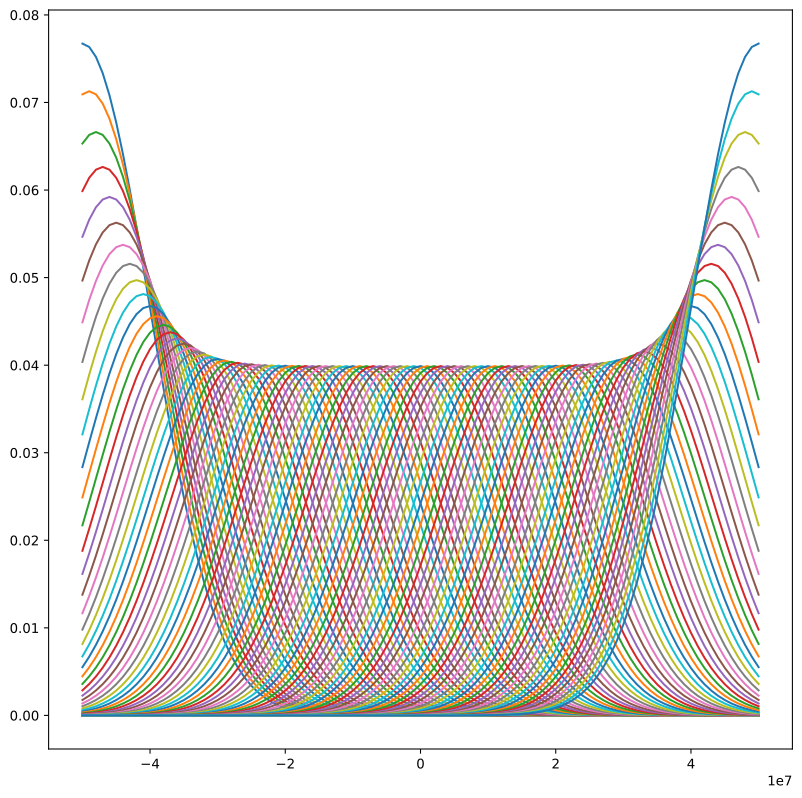
- Parameters:
data (ArrayOfPropagationPathPoint) – A single propagation path object
fig (~matplotlib.figure.Figure, optional) – The matplotlib figure to draw on. Defaults to None for new figure.
ax (~matplotlib.axes.Axes | list[~matplotlib.axes.Axes] | ~numpy.ndarray[~matplotlib.axes.Axes] | None, optional) – The matplotlib axes to draw on. Defaults to None for new axes.
planetary_radius (float, optional) – See
polar_ray_path_helperin source treerscale (float, optional) – See
polar_ray_path_helperin source treedraw_lat_lon (bool, optional) – Whether or not latitude and longitude vs radius angles are drawn. Def: True
draw_map (bool, optional) – Whether or not latitude and longitude map is drawn. Def: True
draw_za_aa (bool, optional) – Whether or not Zenith and Azimuth angles are drawn. Def: False
**kwargs (
keyword arguments) – Additional keyword arguments to pass to the plotting functions.
- Returns:
fig (matplotlib.figure.Figure) – As input if input. Otherwise the created Figure.
ax (matplotlib.axes.Axes) – As input if input. Otherwise the created Axes.
ArrayOfSensorObsel.plot
- pyarts3.plots.ArrayOfSensorObsel.plot(data: ArrayOfSensorObsel, *, fig: Figure | None = None, ax: Axes | list[Axes] | ndarray[Axes] | None = None, keys: str | list = 'f', pol: str | Stokvec = 'I', **kwargs) tuple[Figure, Axes | list[Axes] | ndarray[Axes]][source]
Plot the sensor observational element array.
Note
Any option other than “f” will sort the sensor observational element array by the corresponding key. The object lives via a pointer, so the original data is modified in-place.
This should not massively affect any radiative transfer computations, but it might result in different results down on the floating point epsilon error level.
Example
import pyarts3 as pyarts
import numpy as np

ws = pyarts.Workspace()
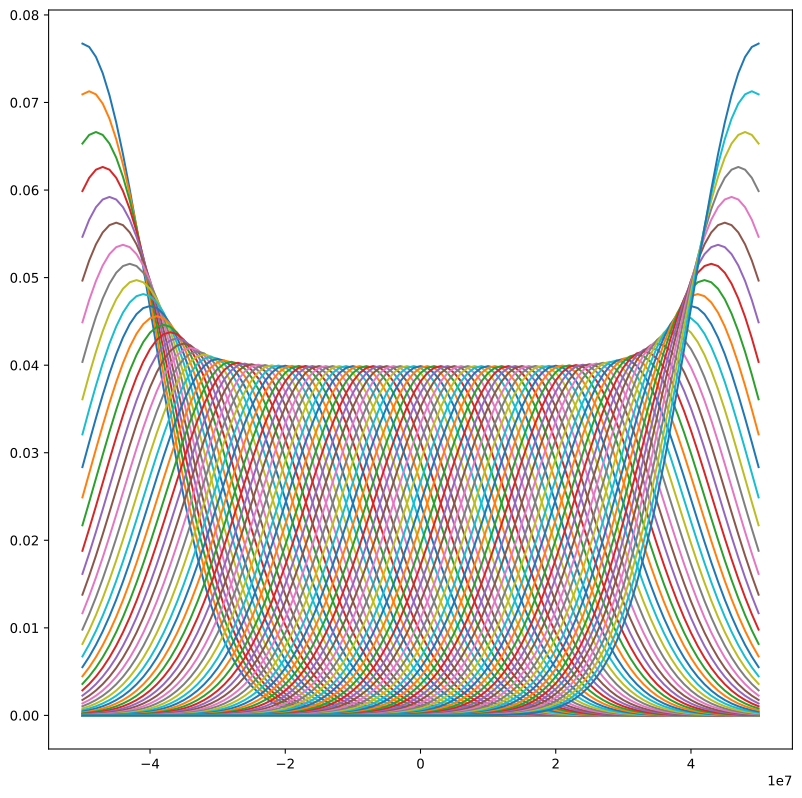
ws.measurement_sensorSimpleGaussian(std = 10e6, pos = [100e3, 0, 0], los = [180.0, 0.0],
                                    freq_grid = np.linspace(-50e6, 50e6, 101))
pyarts.plots.ArrayOfSensorObsel.plot(ws.measurement_sensor)
(
Source code,svg,pdf)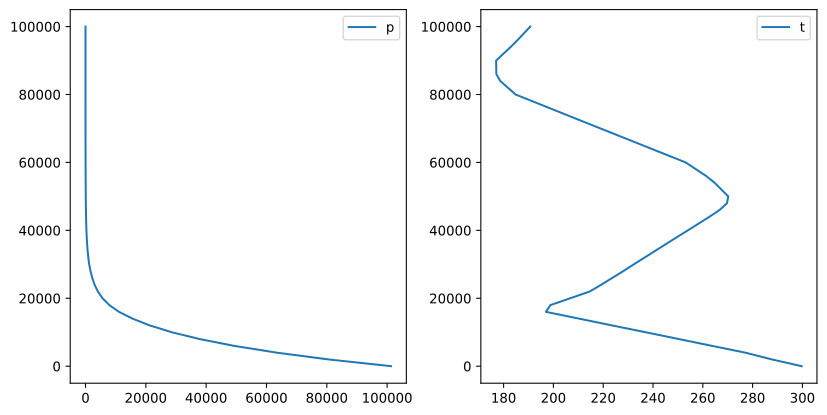
- Parameters:
data (ArrayOfSensorObsel) – A sensor observation element array.
fig (~matplotlib.figure.Figure, optional) – The matplotlib figure to draw on. Defaults to None for new figure.
ax (~matplotlib.axes.Axes | list[~matplotlib.axes.Axes] | ~numpy.ndarray[~matplotlib.axes.Axes] | None, optional) – The matplotlib axes to draw on. Defaults to None for new axes.
keys (str | list) – The keys to use for plotting. Options are in
SensorKeyType.pol (str | Stokvec) – The polarization to use for plotting. Defaults to “I”, constructs a
Stokvec.**kwargs (
keyword arguments) – Additional keyword arguments to pass to the plotting functions.
- Returns:
fig (matplotlib.figure.Figure) – As input if input. Otherwise the created Figure.
ax (matplotlib.axes.Axes) – As input if input. Otherwise the created Axes.
AscendingGrid.plot
- pyarts3.plots.AscendingGrid.plot(data: AscendingGrid, *, fig: Figure | None = None, ax: Axes | list[Axes] | ndarray[Axes] | None = None, **kwargs) tuple[Figure, Axes | list[Axes] | ndarray[Axes]][source]
Plot an AscendingGrid as a scatter/line plot.
Example
import pyarts3 as pyarts
import numpy as np

# Create a frequency grid
freqs = pyarts.arts.AscendingGrid(np.logspace(9, 12, 20))

pyarts.plots.AscendingGrid.plot(freqs)
(
Source code,svg,pdf)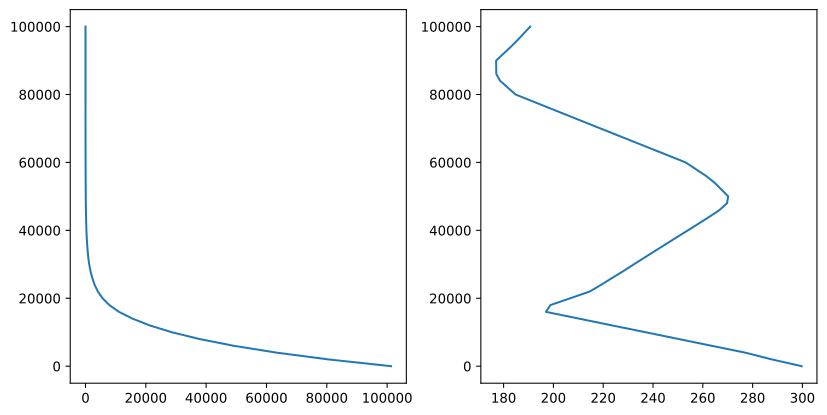
- Parameters:
data (AscendingGrid) – A sorted ascending grid of values
fig (~matplotlib.figure.Figure, optional) – The matplotlib figure to draw on. Defaults to None for new figure.
ax (~matplotlib.axes.Axes | list[~matplotlib.axes.Axes] | ~numpy.ndarray[~matplotlib.axes.Axes] | None, optional) – The matplotlib axes to draw on. Defaults to None for new axes.
**kwargs (
keyword arguments) – Additional keyword arguments to pass to the plotting functions.
- Returns:
fig (matplotlib.figure.Figure) – As input if input. Otherwise the created Figure.
ax (matplotlib.axes.Axes) – As input if input. Otherwise the created Axes.
AtmField.plot
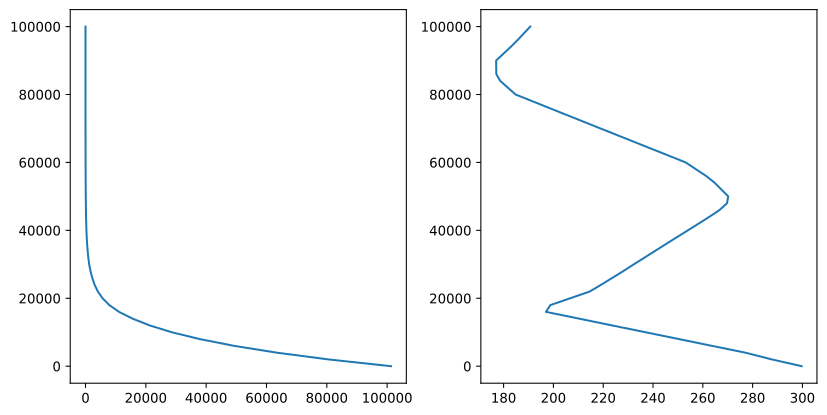
- pyarts3.plots.AtmField.plot(data: AtmField, *, fig: Figure | None = None, ax: Axes | list[Axes] | ndarray[Axes] | None = None, alts: AscendingGrid | float = [0, 2000, 4000, ..., 96000, 98000, 1e+05], lats: LatGrid | float = 0, lons: LonGrid | float = 0, ygrid: Vector | None = None, keys: list[str] | None = None, apply_natural_scale: bool = False, **kwargs) tuple[Figure, Axes | list[Axes] | ndarray[Axes]][source]
Plot select atmospheric field parameters by extracting a profile.
Example
import pyarts3 as pyarts
import numpy as np

ws = pyarts.Workspace()

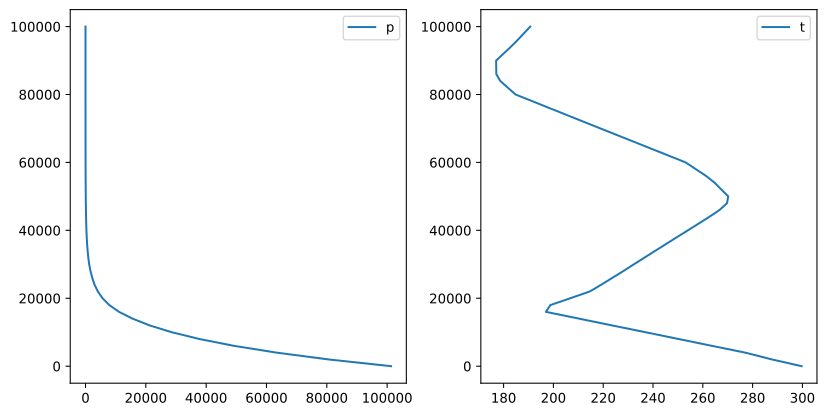
ws.atm_fieldRead(toa=100e3, basename="planets/Earth/afgl/tropical/")

pyarts.plots.AtmField.plot(ws.atm_field, keys=["p", "t"])
(
Source code,svg,pdf)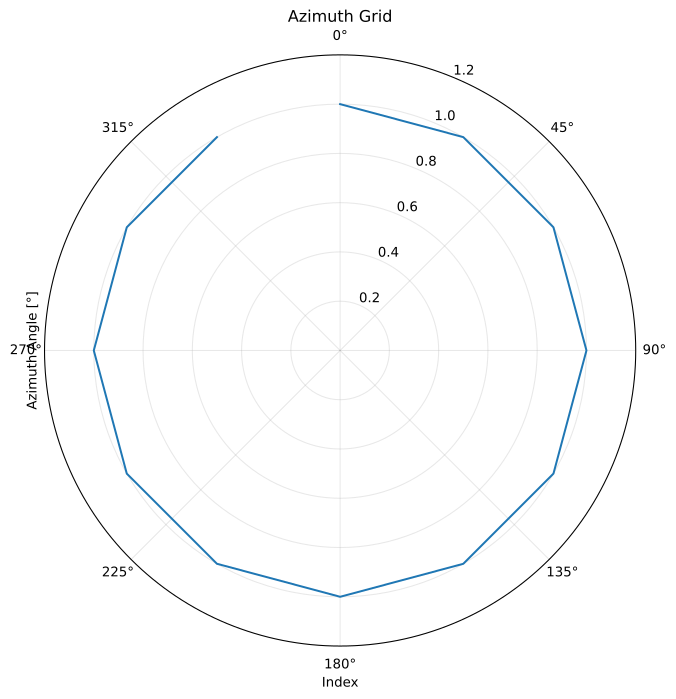
- Parameters:
data (AtmField) – An atmospheric field
fig (~matplotlib.figure.Figure, optional) – The matplotlib figure to draw on. Defaults to None for new figure.
ax (~matplotlib.axes.Axes | list[~matplotlib.axes.Axes] | ~numpy.ndarray[~matplotlib.axes.Axes] | None, optional) – The matplotlib axes to draw on. Defaults to None for new axes.
alts (~pyarts3.arts.AscendingGrid | float, optional) – A grid to plot on - must after broadcast with lats and lons be 1D. Defaults to np.linspace(0, 1e5, 51).
lats (~pyarts3.arts.LatGrid | float, optional) – A grid to plot on - must after broadcast with alts and lons be 1D. Defaults to 0.
lons (~pyarts3.arts.LonGrid | float, optional) – A grid to plot on - must after broadcast with alts and lats be 1D. Defaults to 0.
ygrid (~pyarts3.arts.Vector | None, optional) – Choice of y-grid for plotting. Uses broadcasted alts if None. Defaults to None.
keys (list, optional) – A list of keys to plot. Defaults to None for all keys in
keys().apply_natural_scale (bool, optional) – Whether to apply natural scaling to each parameter. Defaults to False.
**kwargs (
keyword arguments) – Additional keyword arguments to pass to the plotting functions.
- Returns:
fig (matplotlib.figure.Figure) – As input if input. Otherwise the created Figure.
ax (matplotlib.axes.Axes) – As input if input. Otherwise the created Axes.
AziGrid.plot
- pyarts3.plots.AziGrid.plot(data: AziGrid, *, fig: Figure | None = None, ax: Axes | list[Axes] | ndarray[Axes] | None = None, polar: bool = False, **kwargs) tuple[Figure, Axes | list[Axes] | ndarray[Axes]][source]
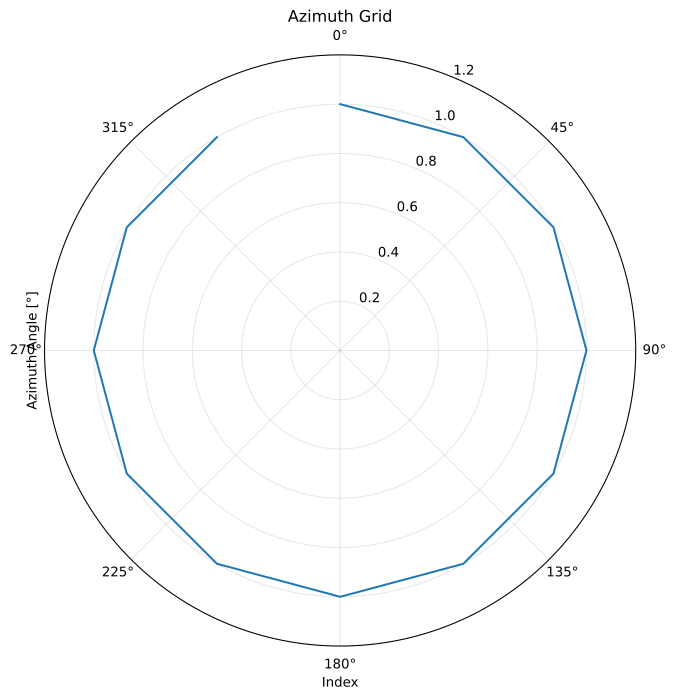
Plot an AziGrid showing azimuth angles.
Example
import pyarts3 as pyarts
import numpy as np

# Create azimuth angles (compass directions)
azimuth = pyarts.arts.AziGrid(np.linspace(0, 360, 13)[:-1])

fig, ax = pyarts.plots.AziGrid.plot(azimuth, polar=True)
ax.set_xlabel("Index")
ax.set_ylabel("Azimuth Angle [°]")
ax.set_title("Azimuth Grid")
ax.set_ylim(0, 360)
ax.grid(True, alpha=0.3)
ax.set_ylim(0, 1.2)
ax.set_theta_zero_location("N")  # 0° at North (top)
ax.set_theta_direction(-1)  # Clockwise (East = 90° clockwise from North)
(
Source code,svg,pdf)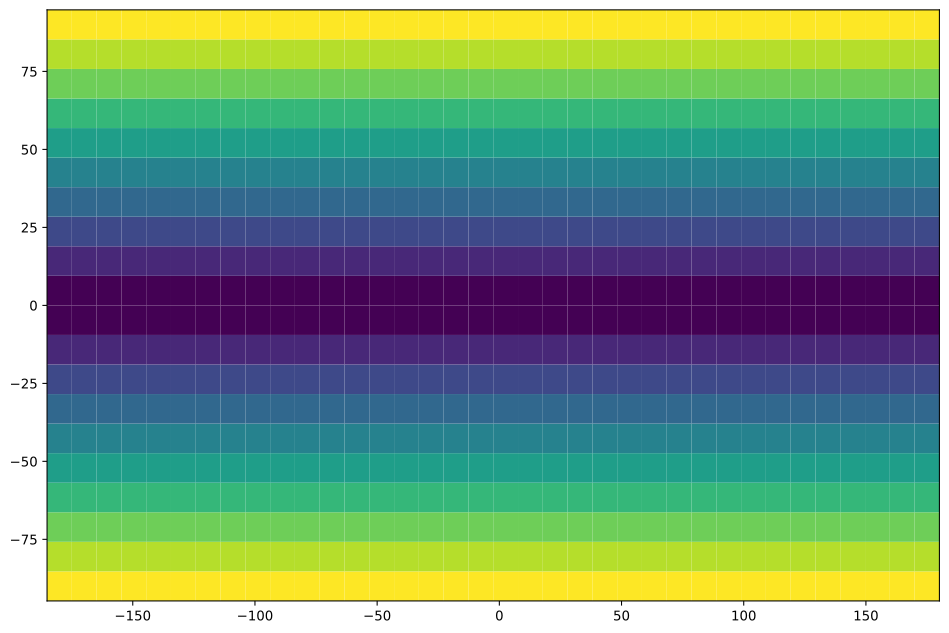
- Parameters:
data (AziGrid) – A sorted grid of azimuth angles [0, 360)
fig (~matplotlib.figure.Figure, optional) – The matplotlib figure to draw on. Defaults to None for new figure.
ax (~matplotlib.axes.Axes | list[~matplotlib.axes.Axes] | ~numpy.ndarray[~matplotlib.axes.Axes] | None, optional) – The matplotlib axes to draw on. Defaults to None for new axes.
polar (bool, optional) – If True, use polar plot. Defaults to False.
**kwargs (
keyword arguments) – Additional keyword arguments to pass to the plotting functions.
- Returns:
fig (matplotlib.figure.Figure) – As input if input. Otherwise the created Figure.
ax (matplotlib.axes.Axes) – As input if input. Otherwise the created Axes.
CIARecord.plot
- pyarts3.plots.CIARecord.plot(data: CIARecord, *, fig: Figure | None = None, ax: Axes | list[Axes] | ndarray[Axes] | None = None, freqs: AscendingGrid = None, atm: AtmPoint | AtmField | None = None, spec1: SpeciesEnum = 'AIR', spec2: SpeciesEnum = 'AIR', path_point: PropagationPathPoint = [unknown, unknown, 0, 0, 0, 0, 0, 1, 1], T_extrapolfac: float = 1e+99, **kwargs) tuple[Figure, Axes | list[Axes] | ndarray[Axes]][source]
Creates a plot of the absorption by the records in the CIARecord object.
If freqs is given, this range will be used, otherwise the built-in frequency range is used.
If atm is None, an atmospheric point is created by reading the tropical standard atmosphere from the ARTS database and extracting the AtmPoint at position by the path_point. If atm is an AtmField, the AtmPoint at position by the path_point is extracted.
The path_point is passed directly to the CIARecord.spectral_propmat() method and defaults to pos: [0, 0, 0], los: [0, 0].
Example
import matplotlib.pyplot as plt
import pyarts3 as pyarts

cia = pyarts.arts.CIARecord.fromxml("cia/O2-CIA-N2.xml")
f, a = pyarts.plots.CIARecord.plot(cia, fig=plt.figure(figsize=(12, 6)), spec1="O2", spec2="N2")
a.set_yscale("log")
a.set_xlabel("Frequency [Hz]")
a.set_ylabel("Absorption [1/m]")
a.set_title("O$_2$-N$_2$ Collision-induced absorption")
(
Source code,svg,pdf)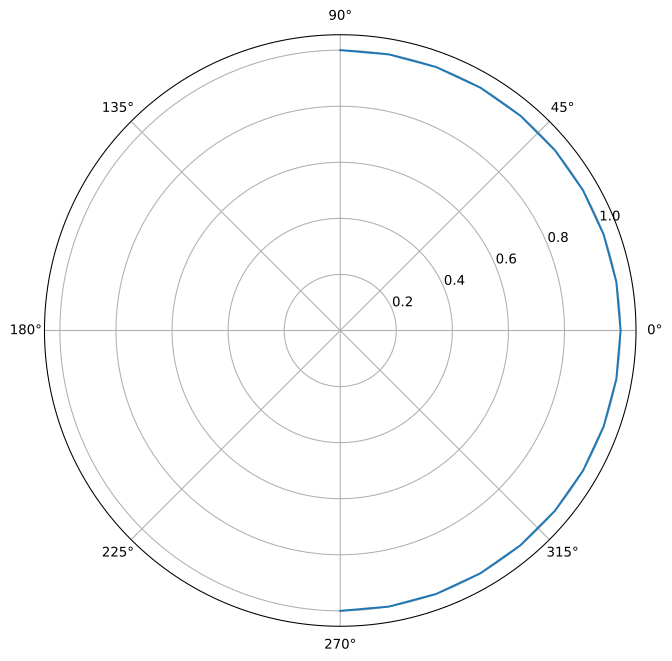
- Parameters:
data (CIARecord) – The CIARecord object containing the data to plot.
fig (~matplotlib.figure.Figure, optional) – The matplotlib figure to draw on. Defaults to None for new figure.
ax (~matplotlib.axes.Axes | list[~matplotlib.axes.Axes] | ~numpy.ndarray[~matplotlib.axes.Axes] | None, optional) – The matplotlib axes to draw on. Defaults to None for new axes.
freqs (~pyarts3.arts.AscendingGrid | int, optional) – The frequency grid to use for the x-axis. Defaults to None manually creating a range.
atm (~pyarts3.arts.AtmPoint | ~pyarts3.arts.AtmField | None, optional) – The atmospheric point data to use for the plot. Defaults to None computed values.
spec1 (~pyarts3.arts.SpeciesEnum, optional) – The first species for the CIA calculation. Defaults to “AIR” for no species.
spec2 (~pyarts3.arts.SpeciesEnum, optional) – The second species for the CIA calculation. Defaults to “AIR” for no species.
path_point (~pyarts3.arts.PropagationPathPoint, optional) – The propagation path point to use for the plot. Defaults to pos: [0, 0, 0], los: [0, 0].
T_extrapolfac (float, optional) – Internal extrapolation factor
**kwargs (
keyword arguments) – Additional keyword arguments to pass to the plotting functions.
- Returns:
fig (matplotlib.figure.Figure) – As input if input. Otherwise the created Figure.
ax (matplotlib.axes.Axes) – As input if input. Otherwise the created Axes.
CIARecords.plot
- pyarts3.plots.CIARecords.plot(data: CIARecords, *, fig: Figure | None = None, ax: Axes | list[Axes] | ndarray[Axes] | None = None, same: bool = False, freqs: AscendingGrid = None, atm: AtmPoint | AtmField | None = None, path_point: PropagationPathPoint = [unknown, unknown, 0, 0, 0, 0, 0, 1, 1], T_extrapolfac: float = 1e+99, **kwargs) tuple[Figure, Axes | list[Axes] | ndarray[Axes]][source]
Creates a plot of the absorption by the records in the CIARecords object.
The plot passes all relevant arguments to the CIARecord plotting routine.
If freqs is given, this range will be used, otherwise the built-in frequency range is used.
If atm is None, an atmospheric point is created by reading the tropical standard atmosphere from the ARTS database and extracting the AtmPoint at position by the path_point. If atm is an AtmField, the AtmPoint at position by the path_point is extracted.
The path_point is passed directly to the CIARecords.spectral_propmat() method and defaults to pos: [0, 0, 0], los: [0, 0].
same determines if each entry in the array is plotted onto the same plot or not.
Example
import matplotlib.pyplot as plt
import pyarts3 as pyarts

cia = pyarts.arts.CIARecords({"O2-O2": pyarts.arts.CIARecord.fromxml("cia/O2-CIA-O2.xml")})
f, a = pyarts.plots.CIARecords.plot(cia, fig=plt.figure(figsize=(12, 6)))
a.set_yscale("log")
a.set_xlabel("Frequency [Hz]")
a.set_ylabel("Absorption [1/m]")
a.set_title("O$_2$-O$_2$ Collision-induced absorption")
(
Source code,svg,pdf)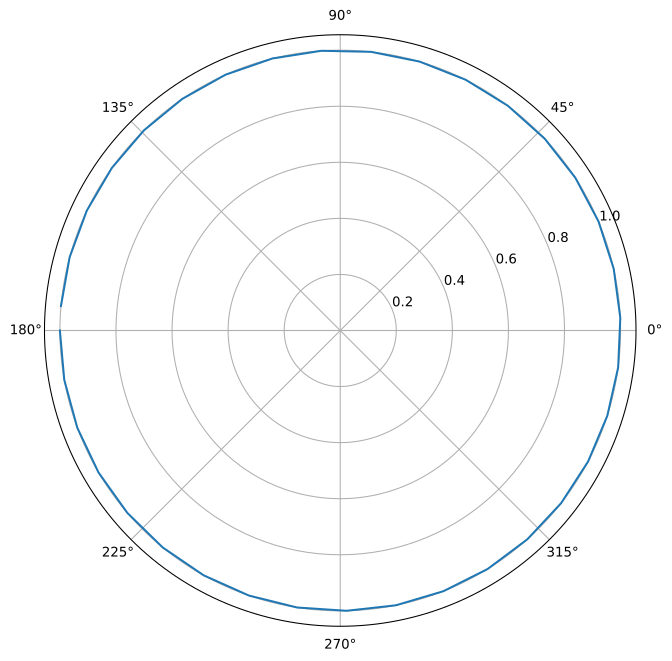
- Parameters:
data (CIARecords) – The CIARecords object containing the data to plot.
fig (~matplotlib.figure.Figure, optional) – The matplotlib figure to draw on. Defaults to None for new figure.
ax (~matplotlib.axes.Axes | list[~matplotlib.axes.Axes] | ~numpy.ndarray[~matplotlib.axes.Axes] | None, optional) – The matplotlib axes to draw on. Defaults to None for new axes.
same (bool, optional) – Draw on a single canvas or not.
freqs (~pyarts3.arts.AscendingGrid | int, optional) – The frequency grid to use for the x-axis. Defaults to None manually creating a range.
atm (~pyarts3.arts.AtmPoint | ~pyarts3.arts.AtmField | None, optional) – The atmospheric point data to use for the plot. Defaults to None computed values.
path_point (~pyarts3.arts.PropagationPathPoint, optional) – The propagation path point to use for the plot. Defaults to pos: [0, 0, 0], los: [0, 0].
T_extrapolfac (float, optional) – Internal extrapolation factor
**kwargs (
keyword arguments) – Additional keyword arguments to pass to the plotting functions.
- Returns:
fig (matplotlib.figure.Figure) – As input if input. Otherwise the created Figure.
ax (matplotlib.axes.Axes) – As input if input. Otherwise the created Axes.
DisortFlux.plot
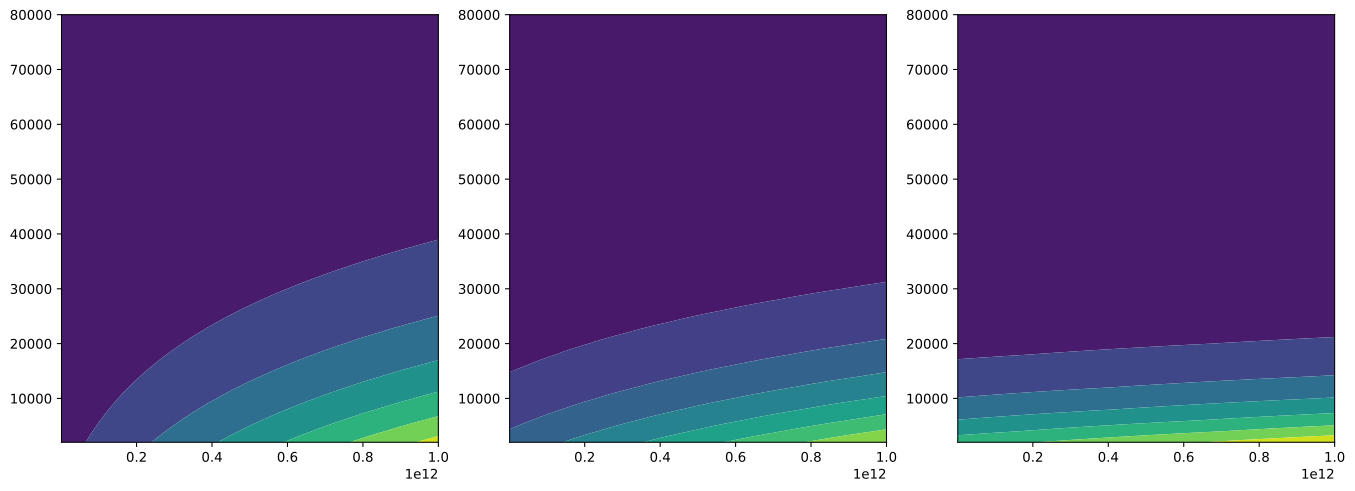
- pyarts3.plots.DisortFlux.plot(data: DisortFlux, *, fig: Figure | None = None, ax: Axes | list[Axes] | ndarray[Axes] | None = None, freq_idx: int | None = None, select: list | str = ['up', 'down_diffuse', 'down_direct'], **kwargs) tuple[Figure, Axes | list[Axes] | ndarray[Axes]][source]
Plot DISORT flux results.
Example (mock data)
import pyarts3 as pyarts
import numpy as np

flux = pyarts.arts.DisortFlux()
flux.freq_grid = pyarts.arts.AscendingGrid(np.linspace(1e9, 1e12, 50))
flux.alt_grid = pyarts.arts.DescendingGrid(np.linspace(80e3, 0, 41))
alts_layers = 0.5 * (flux.alt_grid[:-1] + flux.alt_grid[1:])
flux.up = pyarts.arts.Matrix(np.outer(np.linspace(10, 100, 50), np.exp(-alts_layers/20e3)))
flux.down_diffuse = pyarts.arts.Matrix(np.outer(np.linspace(50, 150, 50), np.exp(-alts_layers/15e3)))
flux.down_direct = pyarts.arts.Matrix(np.outer(np.linspace(200, 300, 50),  np.exp(-alts_layers/10e3)))
fig, ax = pyarts.plots.DisortFlux.plot(flux)
(
Source code,svg,pdf)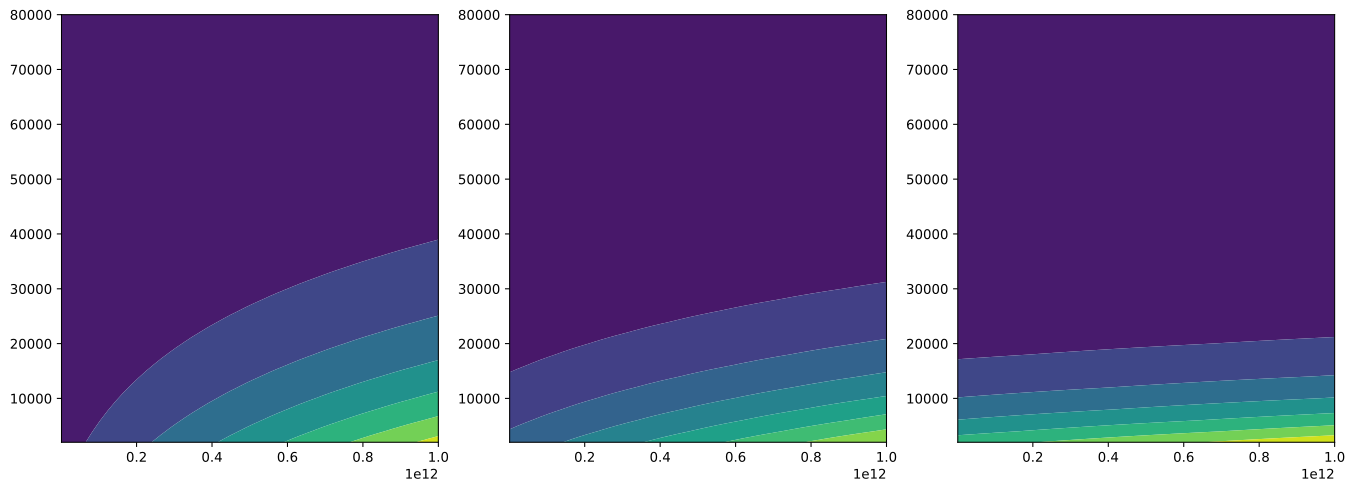
- Parameters:
data (DisortFlux) – A DisortFlux object containing flux results
fig (~matplotlib.figure.Figure, optional) – The matplotlib figure to draw on. Defaults to None for new figure.
ax (~matplotlib.axes.Axes | list[~matplotlib.axes.Axes] | ~numpy.ndarray[~matplotlib.axes.Axes] | None, optional) – The matplotlib axes to draw on. Defaults to None for new axes.
freq_idx (int | None, optional) – Frequency index to plot. If None, plots all frequencies. Defaults to None.
select (list or str, optional) – Which flux components to plot: ‘up’, ‘down_diffuse’, and/or ‘down_direct’. Defaults to all three.
**kwargs (
keyword arguments) – Additional keyword arguments to pass to the plotting functions.
- Returns:
fig (matplotlib.figure.Figure) – As input if input. Otherwise the created Figure.
ax (matplotlib.axes.Axes) – As input if input. Otherwise the created Axes.
DisortRadiance.plot
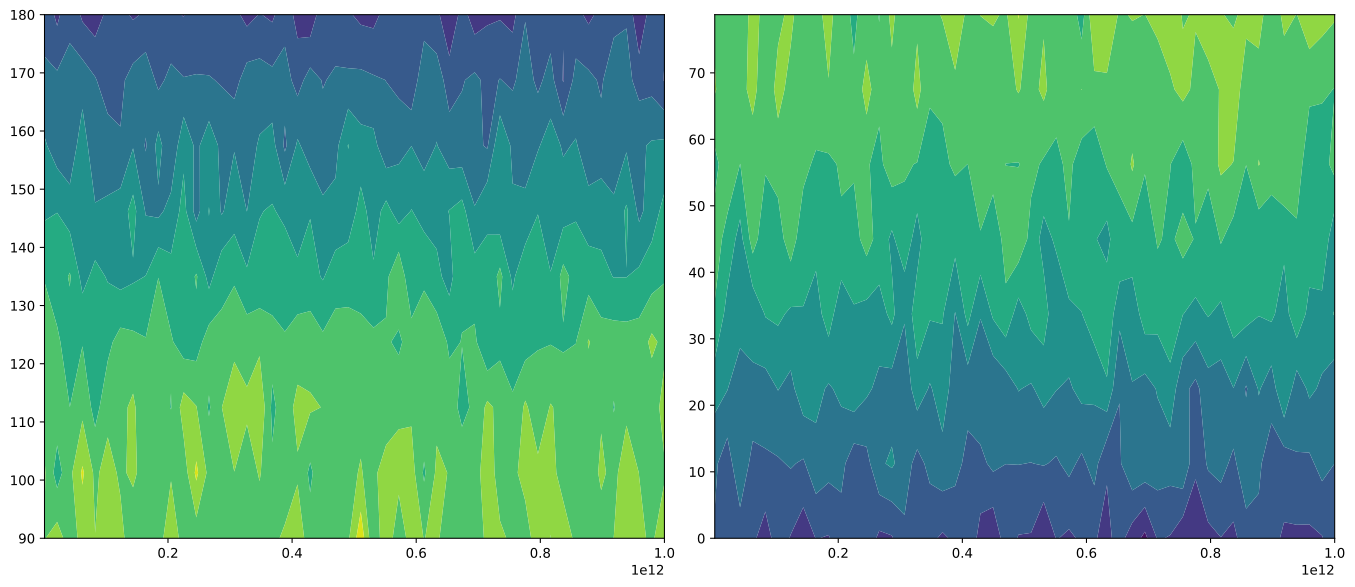
- pyarts3.plots.DisortRadiance.plot(data: DisortRadiance, *, fig: Figure | None = None, ax: Axes | list[Axes] | ndarray[Axes] | None = None, alt_idx: int = 0, azi_idx: int = 0, plotstyle='contourf', select: list = ['up', 'down'], **kwargs) tuple[Figure, Axes | list[Axes] | ndarray[Axes]][source]
Plot DISORT radiance results as two 2D heatmaps (upward and downward).
Example (mock data)
import pyarts3 as pyarts
import numpy as np

radiance = pyarts.arts.DisortRadiance()
radiance.freq_grid = pyarts.arts.AscendingGrid(np.linspace(1e9, 1e12, 50))
radiance.alt_grid = pyarts.arts.DescendingGrid(np.linspace(80e3, 0, 41))
radiance.azi_grid = pyarts.arts.AziGrid(np.linspace(0, 330, 12))
radiance.zen_grid = pyarts.arts.ZenGrid(np.linspace(0, 180, 17))
radiance.data = pyarts.arts.Tensor4(np.random.randn(50, 41, 12, 17) * 10 + 100 * np.sin(np.radians(radiance.zen_grid))[None, None, None, :])
fig, ax = pyarts.plots.DisortRadiance.plot(radiance)
(
Source code,svg,pdf)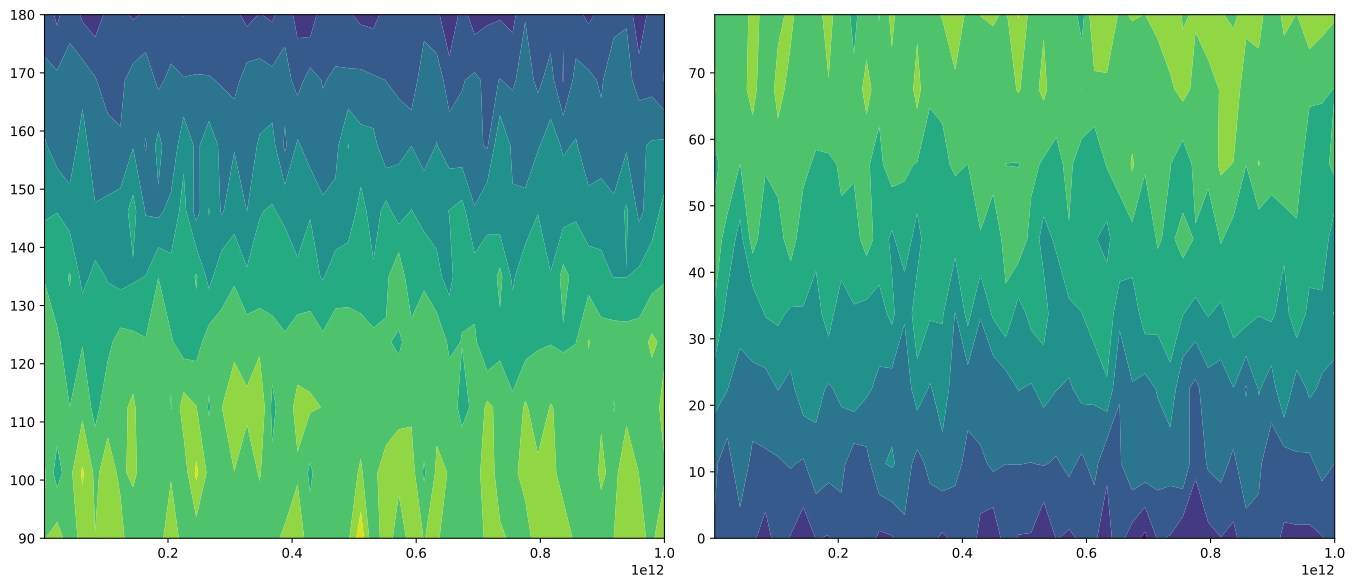
- Parameters:
data (DisortRadiance) – A DisortRadiance object containing radiance results
fig (~matplotlib.figure.Figure, optional) – The matplotlib figure to draw on. Defaults to None for new figure.
ax (~matplotlib.axes.Axes | list[~matplotlib.axes.Axes] | ~numpy.ndarray[~matplotlib.axes.Axes] | None, optional) – The matplotlib axes to draw on. Defaults to None for new axes.
alt_idx (int, optional) – Altitude index to use. Defaults to 0 (top of atmosphere).
azi_idx (int, optional) – Azimuth index to use. Defaults to 0.
plotstyle (str, optional) – The matplotlib plotting function to use, ‘contourf’ or ‘plot’.
select (list or str, optional) – Which directions to plot: ‘up’ and/or ‘down’. Defaults to [‘up’, ‘down’].
**kwargs (
keyword arguments) – Additional keyword arguments to pass to the plotting functions.
- Returns:
fig (matplotlib.figure.Figure) – As input if input. Otherwise the created Figure.
ax (matplotlib.axes.Axes) – As input if input. Otherwise the created Axes.
GeodeticField2.plot
- pyarts3.plots.GeodeticField2.plot(data: GeodeticField2, *, fig: Figure | None = None, ax: Axes | list[Axes] | ndarray[Axes] | None = None, **kwargs) tuple[Figure, Axes | list[Axes] | ndarray[Axes]][source]
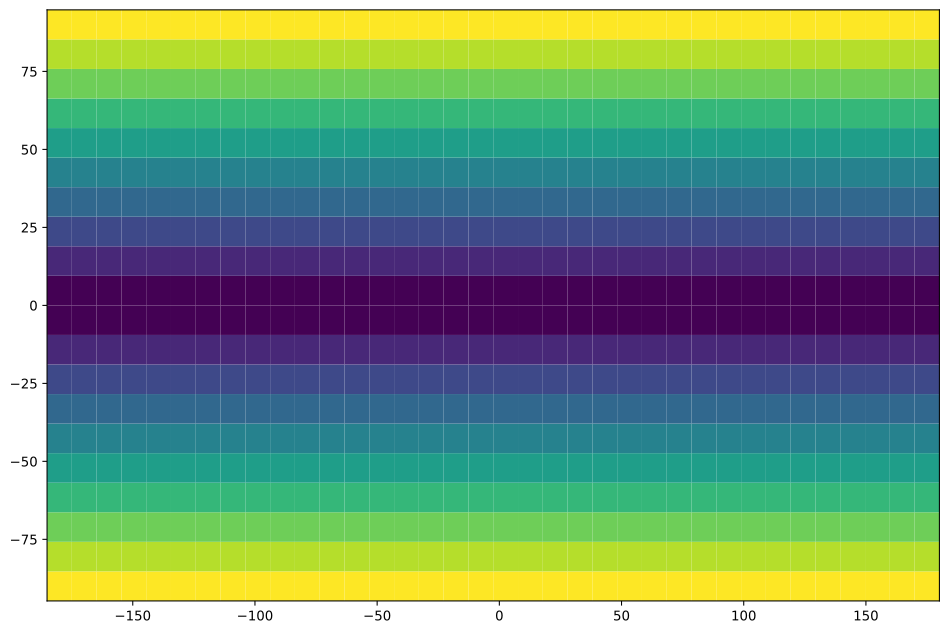
Plot a GeodeticField2 as a map on latitude/longitude grid.
Example
import pyarts3 as pyarts
import numpy as np

# Create a geographic field
lats = pyarts.arts.LatGrid(np.linspace(-90, 90, 20))
lons = pyarts.arts.LonGrid(np.linspace(-180, 175, 36))
lon_mesh, lat_mesh = np.meshgrid(lons, lats)

# Example: distance from equator
data = pyarts.arts.Matrix(np.abs(lat_mesh))

field = pyarts.arts.GeodeticField2()
field.grids = (lats, lons)
field.data = data
field.dataname = "Distance from Equator"

pyarts.plots.GeodeticField2.plot(field)
(
Source code,svg,pdf)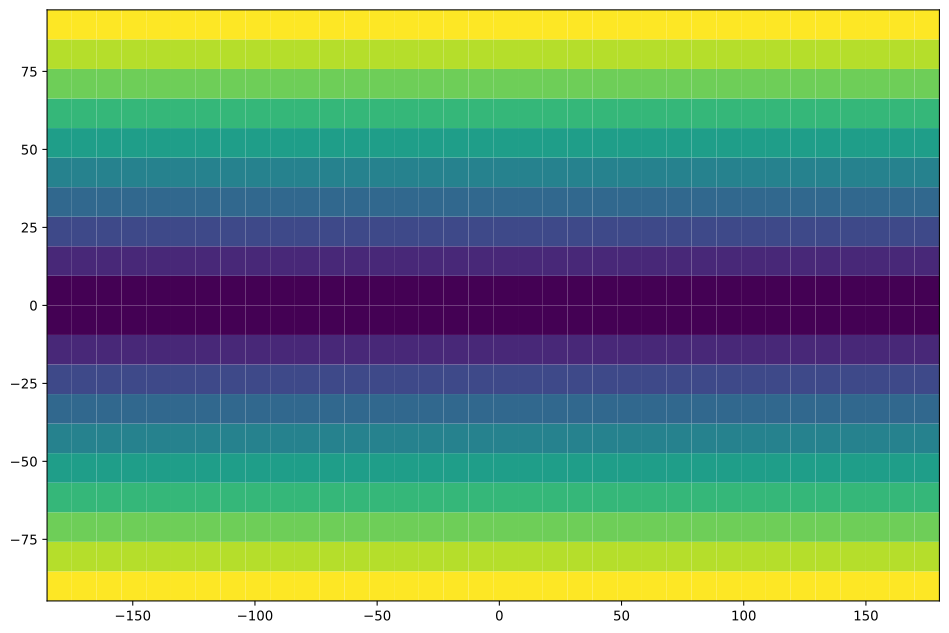
- Parameters:
data (GeodeticField2) – A 2D geodetic field with lat/lon grids
fig (~matplotlib.figure.Figure, optional) – The matplotlib figure to draw on. Defaults to None for new figure.
ax (~matplotlib.axes.Axes | list[~matplotlib.axes.Axes] | ~numpy.ndarray[~matplotlib.axes.Axes] | None, optional) – The matplotlib axes to draw on. Defaults to None for new axes.
**kwargs (
keyword arguments) – Additional keyword arguments to pass to the plotting functions.
- Returns:
fig (matplotlib.figure.Figure) – As input if input. Otherwise the created Figure.
ax (matplotlib.axes.Axes) – As input if input. Otherwise the created Axes.
GriddedField2.plot
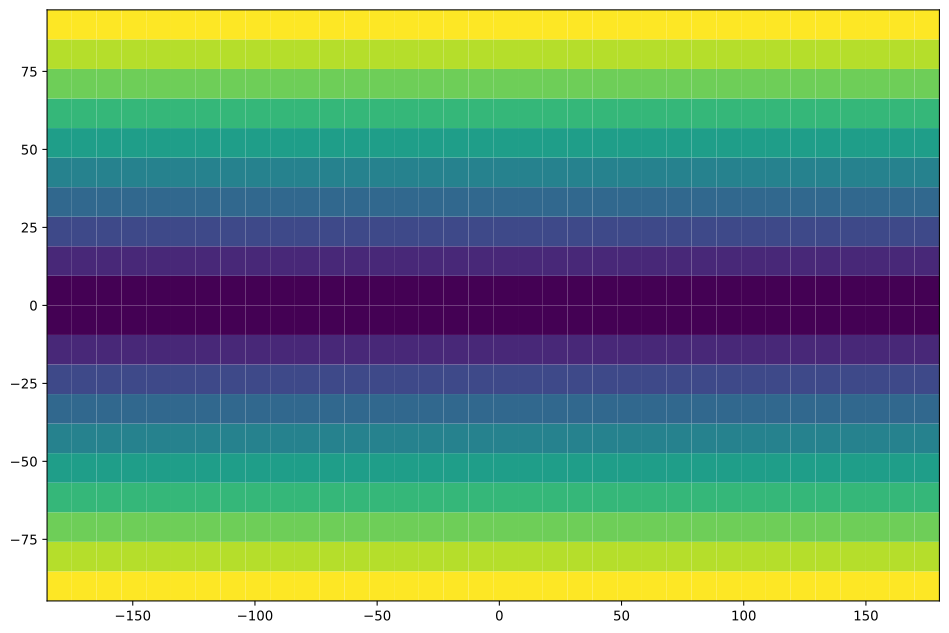
- pyarts3.plots.GriddedField2.plot(data: GriddedField2, *, fig: Figure | None = None, ax: Axes | list[Axes] | ndarray[Axes] | None = None, **kwargs) tuple[Figure, Axes | list[Axes] | ndarray[Axes]][source]
Plot a GriddedField2 as a 2D heatmap using its grids.
Example
import pyarts3 as pyarts
import numpy as np

# Create a geographic field
lats = pyarts.arts.Vector(np.linspace(-90, 90, 20))
lons = pyarts.arts.Vector(np.linspace(-180, 175, 36))
lon_mesh, lat_mesh = np.meshgrid(lons, lats)

# Example: distance from equator
data = pyarts.arts.Matrix(np.abs(lon_mesh))

field = pyarts.arts.GriddedField2()
field.grids = (lats, lons)
field.data = data
field.dataname = "Distance from Equator"

pyarts.plots.GriddedField2.plot(field)
(
Source code,svg,pdf)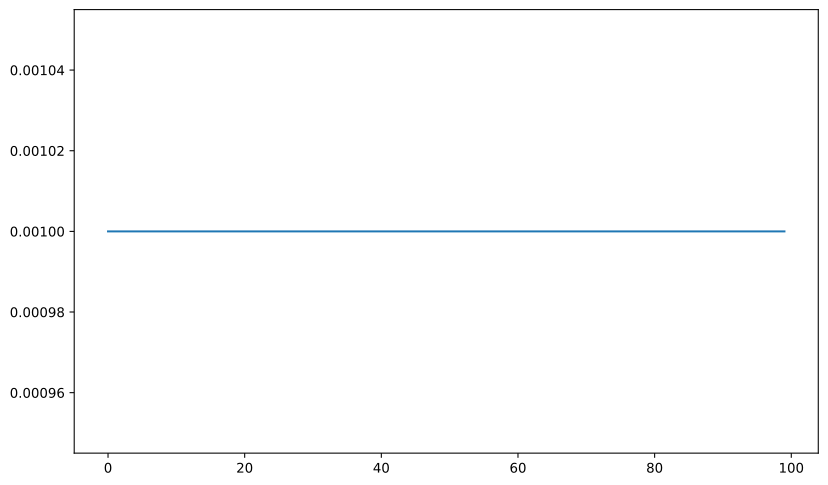
- Parameters:
data (GriddedField2) – A 2D gridded field with named grids
fig (~matplotlib.figure.Figure, optional) – The matplotlib figure to draw on. Defaults to None for new figure.
ax (~matplotlib.axes.Axes | list[~matplotlib.axes.Axes] | ~numpy.ndarray[~matplotlib.axes.Axes] | None, optional) – The matplotlib axes to draw on. Defaults to None for new axes.
**kwargs (
keyword arguments) – Additional keyword arguments to pass to the plotting functions.
- Returns:
fig (matplotlib.figure.Figure) – As input if input. Otherwise the created Figure.
ax (matplotlib.axes.Axes) – As input if input. Otherwise the created Axes.
LatGrid.plot
- pyarts3.plots.LatGrid.plot(data: LatGrid, *, fig: Figure | None = None, ax: Axes | list[Axes] | ndarray[Axes] | None = None, polar: bool = False, **kwargs) tuple[Figure, Axes | list[Axes] | ndarray[Axes]][source]
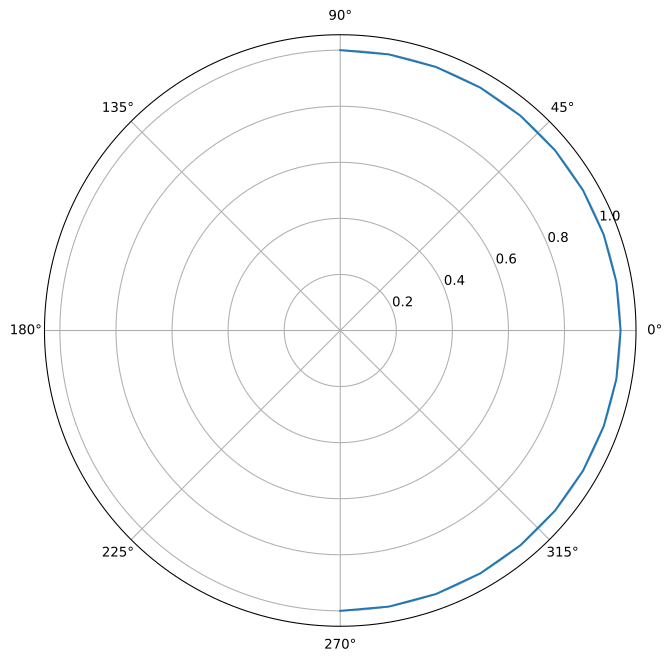
Plot a LatGrid showing latitude values.
Example
import pyarts3 as pyarts
import numpy as np

# Create a latitude grid
lats = pyarts.arts.LatGrid(np.linspace(-90, 90, 19))

pyarts.plots.LatGrid.plot(lats, polar=True)
(
Source code,svg,pdf)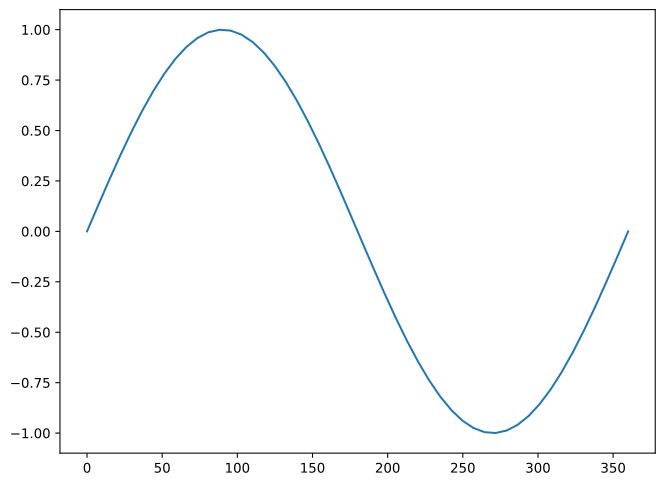
- Parameters:
data (LatGrid) – A sorted grid of latitude values [-90, 90]
fig (~matplotlib.figure.Figure, optional) – The matplotlib figure to draw on. Defaults to None for new figure.
ax (~matplotlib.axes.Axes | list[~matplotlib.axes.Axes] | ~numpy.ndarray[~matplotlib.axes.Axes] | None, optional) – The matplotlib axes to draw on. Defaults to None for new axes.
polar (bool, optional) – If True, use polar plot. Defaults to False.
**kwargs (
keyword arguments) – Additional keyword arguments to pass to the plotting functions.
- Returns:
fig (matplotlib.figure.Figure) – As input if input. Otherwise the created Figure.
ax (matplotlib.axes.Axes) – As input if input. Otherwise the created Axes.
LonGrid.plot
- pyarts3.plots.LonGrid.plot(data: LonGrid, *, fig: Figure | None = None, ax: Axes | list[Axes] | ndarray[Axes] | None = None, polar: bool = False, **kwargs) tuple[Figure, Axes | list[Axes] | ndarray[Axes]][source]
Plot a LonGrid showing longitude values.
Example
import pyarts3 as pyarts
import numpy as np

# Create a longitude grid
lons = pyarts.arts.LonGrid(np.linspace(-180, 175, 36))

pyarts.plots.LonGrid.plot(lons, polar=True)
(
Source code,svg,pdf)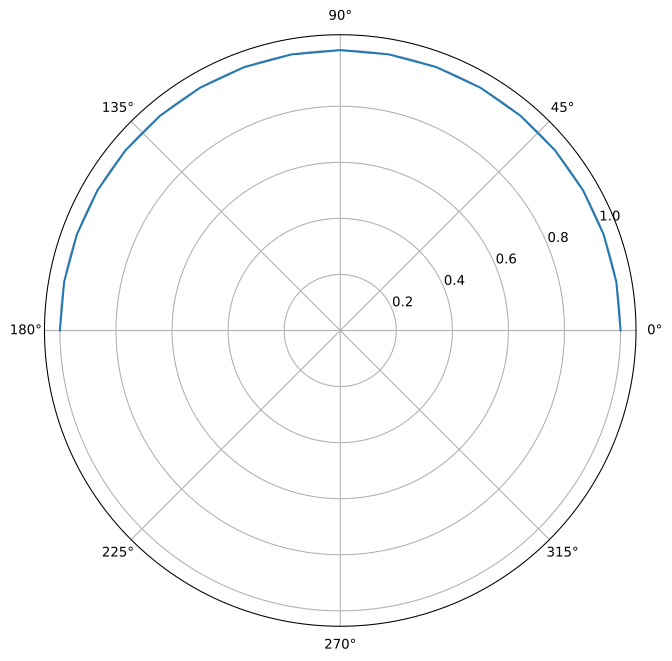
- Parameters:
data (LonGrid) – A sorted grid of longitude values [-180, 180)
fig (~matplotlib.figure.Figure, optional) – The matplotlib figure to draw on. Defaults to None for new figure.
ax (~matplotlib.axes.Axes | list[~matplotlib.axes.Axes] | ~numpy.ndarray[~matplotlib.axes.Axes] | None, optional) – The matplotlib axes to draw on. Defaults to None for new axes.
polar (bool, optional) – If True, use polar plot. Defaults to False.
**kwargs (
keyword arguments) – Additional keyword arguments to pass to the plotting functions.
- Returns:
fig (matplotlib.figure.Figure) – As input if input. Otherwise the created Figure.
ax (matplotlib.axes.Axes) – As input if input. Otherwise the created Axes.
MagneticAngles.plot
- pyarts3.plots.MagneticAngles.plot(data: MagneticAngles, *, mode='normal', fig: Figure | None = None, ax: Axes | list[Axes] | ndarray[Axes] | None = None, N: int = 50, **kwargs) tuple[Figure, Axes | list[Axes] | ndarray[Axes]][source]
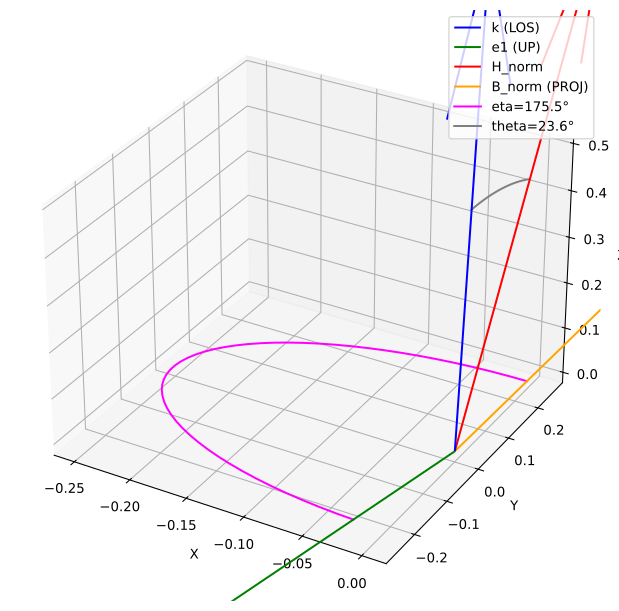
Plots the magnetic angles in 3D. The axis should be 3D.
The N parameter controls the number of points used to draw the angle arcs.
Example
import pyarts3 as pyarts

mag_angles = pyarts.arts.zeeman.MagneticAngles([0, 1, 2], [3, 4])
fig, ax = pyarts.plots.MagneticAngles.plot(mag_angles)
ax.set_xlabel('X')
ax.set_ylabel('Y')
ax.set_zlabel('Z')
ax.legend()
(
Source code,svg,pdf)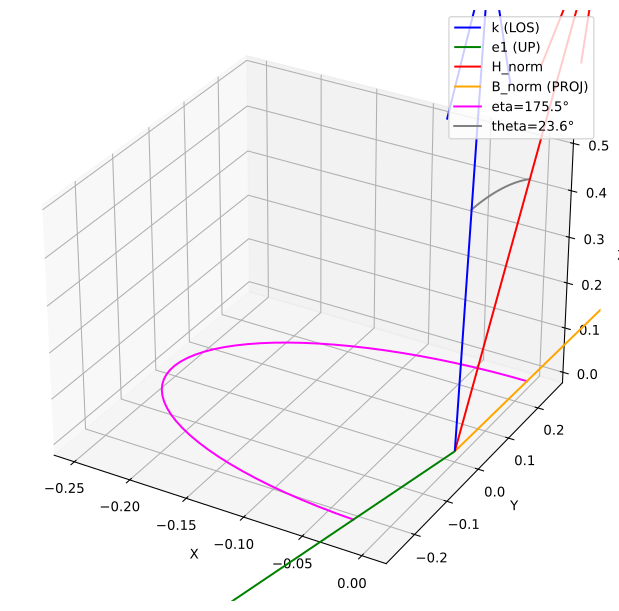
- Parameters:
data (MagneticAngles) – The MagneticAngles object containing the data to plot.
fig (~matplotlib.figure.Figure, optional) – The matplotlib figure to draw on. Defaults to None for new figure.
ax (~matplotlib.axes.Axes | list[~matplotlib.axes.Axes] | ~numpy.ndarray[~matplotlib.axes.Axes] | None, optional) – The matplotlib axes to draw on. Defaults to None for new axes.
N (int, optional) – Number of points to use for drawing the angle arcs. Default is 50.
**kwargs (
keyword arguments) – Additional keyword arguments to pass to the plotting functions.
- Returns:
fig (matplotlib.figure.Figure) – As input if input. Otherwise the created Figure.
ax (matplotlib.axes.Axes) – As input if input. Otherwise the created Axes.
Matrix.plot
- pyarts3.plots.Matrix.plot(data: Matrix, *, fig: Figure | None = None, ax: Axes | list[Axes] | ndarray[Axes] | None = None, xgrid: Vector | None = None, ygrid: Vector | None = None, **kwargs) tuple[Figure, Axes | list[Axes] | ndarray[Axes]][source]
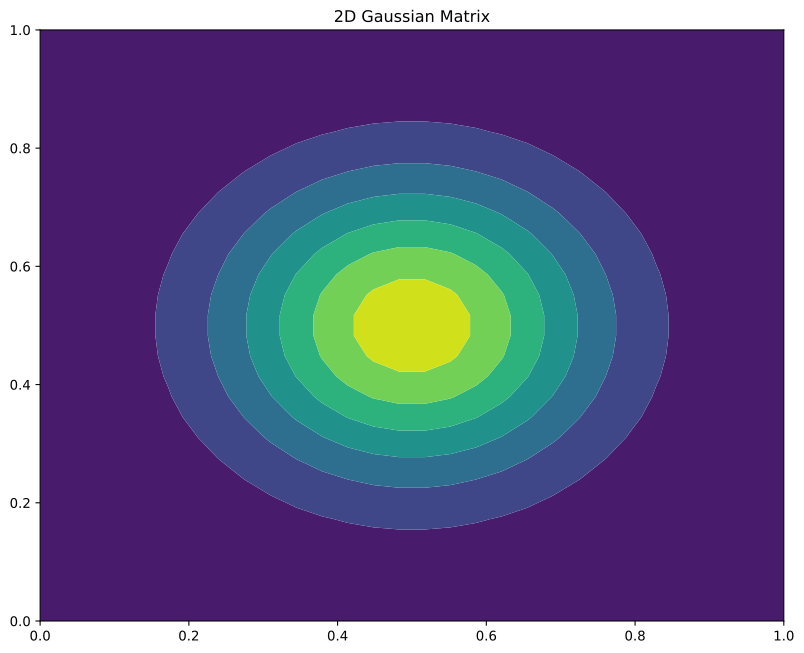
Plot a Matrix as a 2D heatmap.
Example
import pyarts3 as pyarts
import numpy as np

# Create a simple matrix
x, y = np.meshgrid(np.linspace(-2, 2, 30), np.linspace(-2, 2, 30))
mat = pyarts.arts.Matrix(np.exp(-(x**2 + y**2)))

fig, ax = pyarts.plots.Matrix.plot(mat)
ax.set_title("2D Gaussian Matrix")
(
Source code,svg,pdf)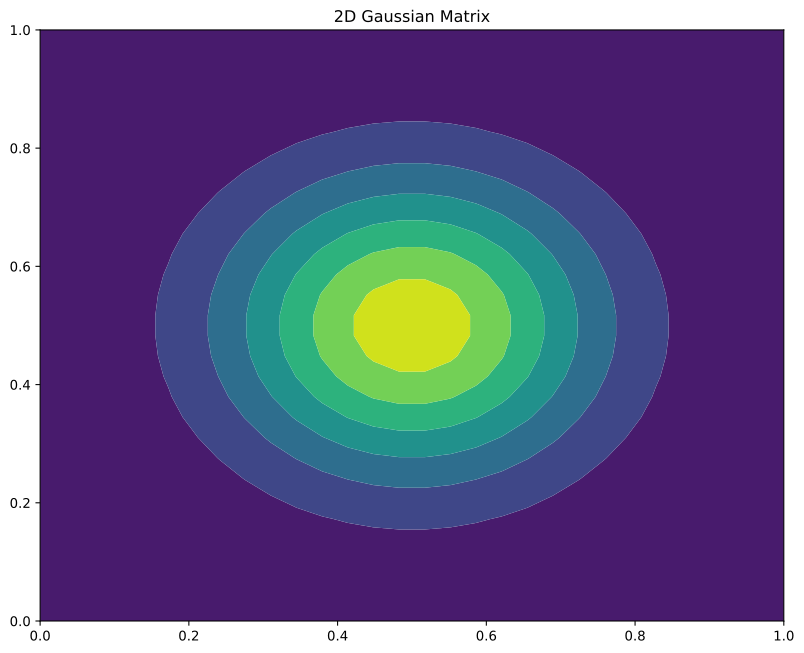
- Parameters:
data (Matrix) – A 2D array of numeric values
fig (~matplotlib.figure.Figure, optional) – The matplotlib figure to draw on. Defaults to None for new figure.
ax (~matplotlib.axes.Axes | list[~matplotlib.axes.Axes] | ~numpy.ndarray[~matplotlib.axes.Axes] | None, optional) – The matplotlib axes to draw on. Defaults to None for new axes.
xgrid (~pyarts3.arts.Vector, optional) – X-axis values. If None, uses column indices. Defaults to None.
ygrid (~pyarts3.arts.Vector, optional) – Y-axis values. If None, uses row indices. Defaults to None.
**kwargs (
keyword arguments) – Additional keyword arguments to pass to the plotting functions.
- Returns:
fig (matplotlib.figure.Figure) – As input if input. Otherwise the created Figure.
ax (matplotlib.axes.Axes) – As input if input. Otherwise the created Axes.
MuelmatVector.plot
- pyarts3.plots.MuelmatVector.plot(data: MuelmatVector, *, fig: Figure | None = None, ax: Axes | list[Axes] | ndarray[Axes] | None = None, freqs: AscendingGrid = None, component: Muelmat | None = None, **kwargs) tuple[Figure, Axes | list[Axes] | ndarray[Axes]][source]
Plot the transmission matrix elements.
Selects a 1D plot if the transmission matrix is 1D, otherwise a 4x4 grid of plots.
Example
import pyarts3 as pyarts
import numpy as np

muelmat_vec = pyarts.arts.MuelmatVector(np.cos(np.linspace(0, 3, 1000)))
fig, ax = pyarts.plots.MuelmatVector.plot(muelmat_vec)
(
Source code,svg,pdf)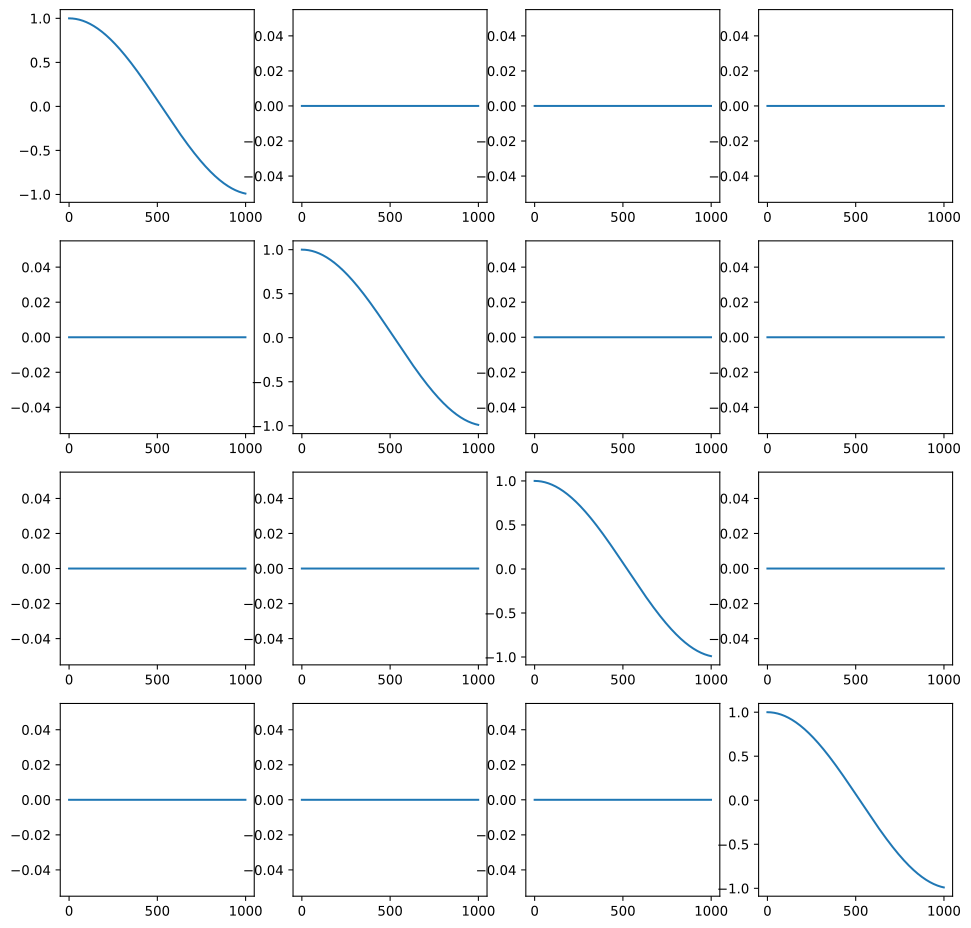
- Parameters:
data (MuelmatVector) – A vector of Mueller matrices representing the transmission properties.
fig (~matplotlib.figure.Figure, optional) – The matplotlib figure to draw on. Defaults to None for new figure.
ax (~matplotlib.axes.Axes | list[~matplotlib.axes.Axes] | ~numpy.ndarray[~matplotlib.axes.Axes] | None, optional) – The matplotlib axes to draw on. Defaults to None for new axes.
freqs (~pyarts3.arts.AscendingGrid, optional) – A grid of frequencies to plot. Defaults to None for no frequency grid.
component (pyarts3.arts.Muelmat | None, optional) – If None, plot all 16 elements M[i,j] of the Mueller matrix across the vector. If provided, plot the dot product of each Mueller matrix with the given component.
**kwargs (
keyword arguments) – Additional keyword arguments to pass to the plotting functions.
- Returns:
fig (matplotlib.figure.Figure) – As input if input. Otherwise the created Figure.
ax (matplotlib.axes.Axes) – As input if input. Otherwise the created Axes.
PropmatMatrix.plot
- pyarts3.plots.PropmatMatrix.plot(data: PropmatMatrix, *, fig: Figure | None = None, ax: Axes | list[Axes] | ndarray[Axes] | None = None, xgrid: Vector | None = None, ygrid: Vector | None = None, component: Propmat = [1, 0, 0, 0, 0, 0, 0], **kwargs) tuple[Figure, Axes | list[Axes] | ndarray[Axes]][source]
Plot a propagation matrix as a 2D heatmap
Example
import pyarts3 as pyarts
import numpy as np

x = np.linspace(-5, 5, 50)
y = np.linspace(-3, 3, 40)
X, Y = np.meshgrid(x, y)
Z = np.exp(-(X**2 + Y**2)/5)

propmat_matrix = pyarts.arts.PropmatMatrix(np.outer(Z.flatten(), [1, 0, 0, 0, 0, 0, 0]).reshape(40, 50, 7))
fig, ax = pyarts.plots.PropmatMatrix.plot(propmat_matrix)
(
Source code,svg,pdf)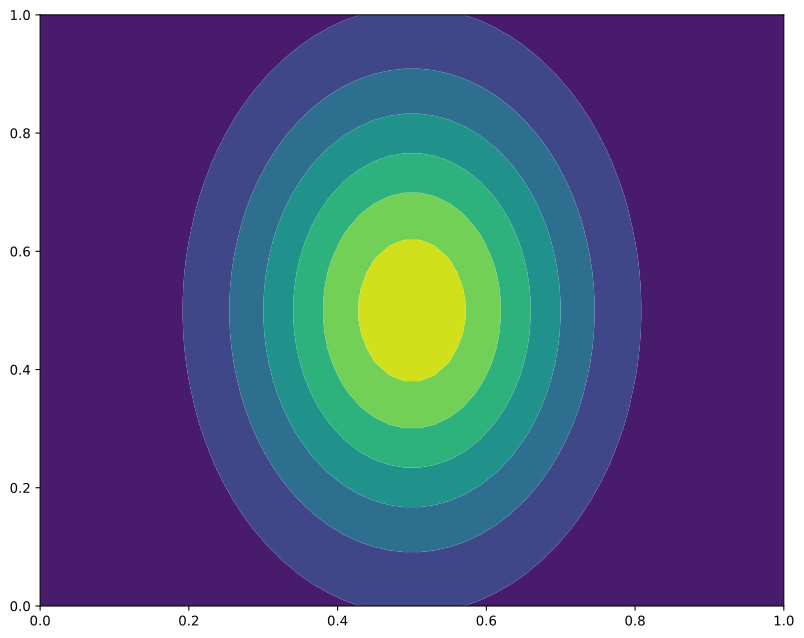
- Parameters:
data (PropmatMatrix) – A matrix of propagation matrices (7-vector or 4x4 each)
fig (~matplotlib.figure.Figure, optional) – The matplotlib figure to draw on. Defaults to None for new figure.
ax (~matplotlib.axes.Axes | list[~matplotlib.axes.Axes] | ~numpy.ndarray[~matplotlib.axes.Axes] | None, optional) – The matplotlib axes to draw on. Defaults to None for new axes.
xgrid (~pyarts3.arts.Vector, optional) – X-axis values. If None, uses column indices. Defaults to None.
ygrid (~pyarts3.arts.Vector, optional) – Y-axis values. If None, uses row indices. Defaults to None.
component (~pyarts3.arts.Propmat, optional) – Choice of polarization for the heatmap.
**kwargs (
keyword arguments) – Additional keyword arguments to pass to the plotting functions.
- Returns:
fig (matplotlib.figure.Figure) – As input if input. Otherwise the created Figure.
ax (matplotlib.axes.Axes) – As input if input. Otherwise the created Axes.
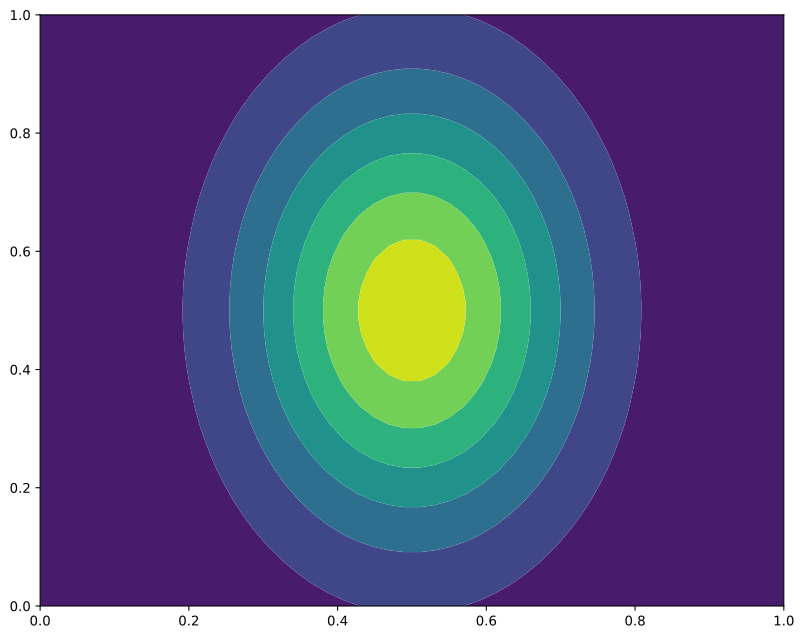
PropmatVector.plot
- pyarts3.plots.PropmatVector.plot(data: PropmatVector, *, fig: Figure | None = None, ax: Axes | list[Axes] | ndarray[Axes] | None = None, freqs: AscendingGrid | None = None, component: Propmat | None = None, **kwargs) tuple[Figure, Axes | list[Axes] | ndarray[Axes]][source]
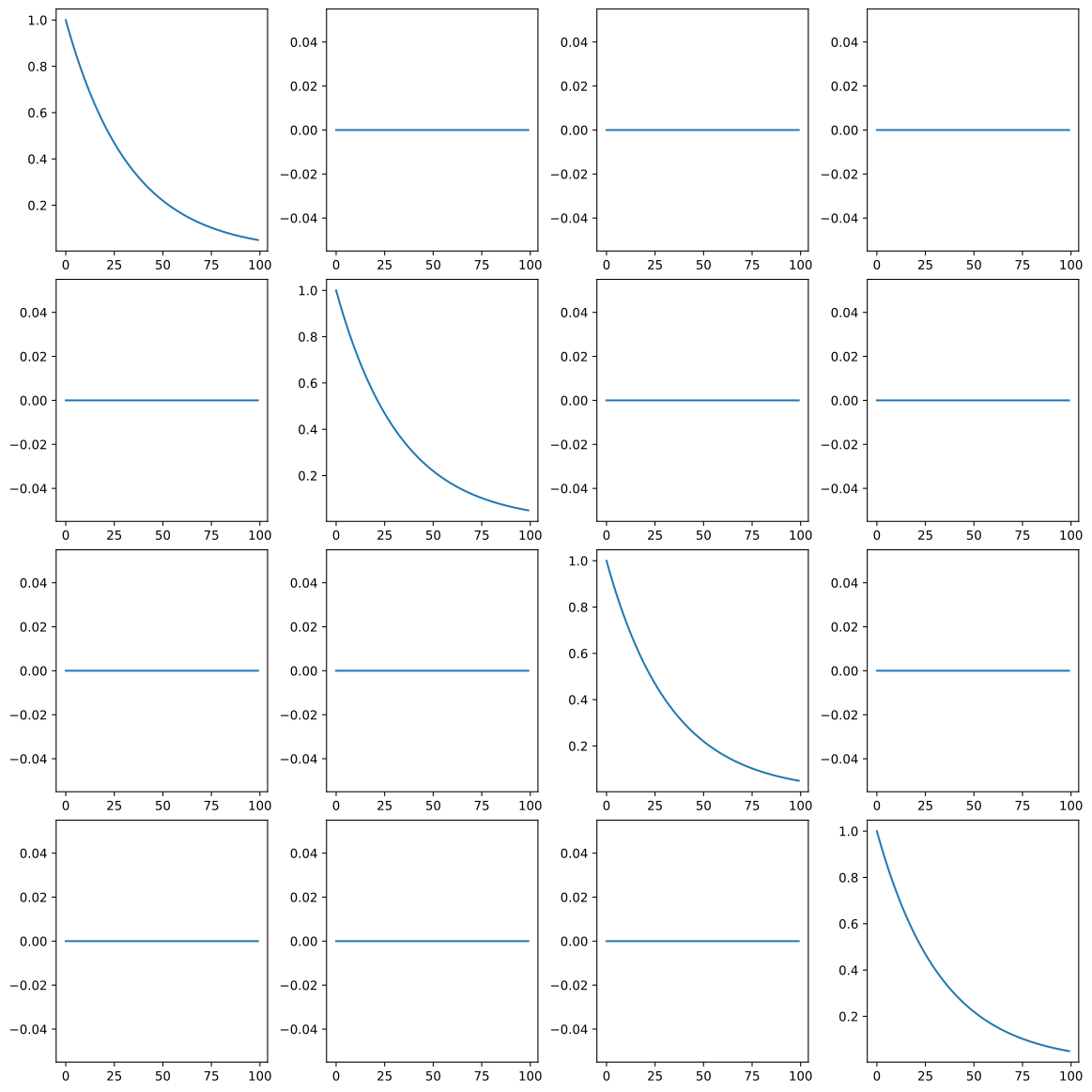
Plot a propagation matrix.
Example
import pyarts3 as pyarts
import numpy as np

propmat_vec = pyarts.arts.PropmatVector(np.outer(np.exp(-np.linspace(0, 3, 100)), [1, 0, 0, 0, 0, 0, 0]))
fig, ax = pyarts.plots.PropmatVector.plot(propmat_vec)
(
Source code,svg,pdf)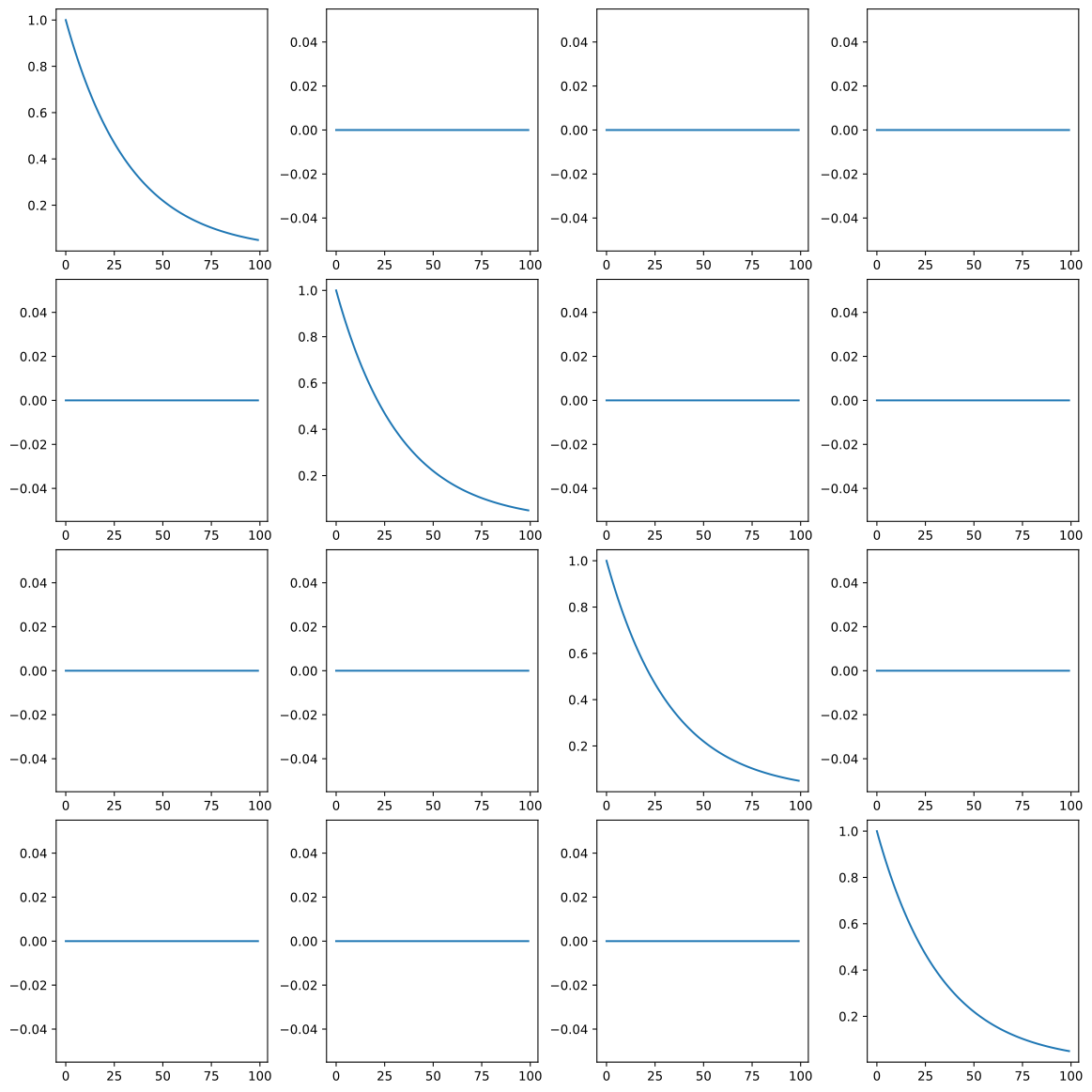
- Parameters:
data (PropmatVector) – A vector of propagation matrices
fig (~matplotlib.figure.Figure, optional) – The matplotlib figure to draw on. Defaults to None for new figure.
ax (~matplotlib.axes.Axes | list[~matplotlib.axes.Axes] | ~numpy.ndarray[~matplotlib.axes.Axes] | None, optional) – The matplotlib axes to draw on. Defaults to None for new axes.
freqs (~pyarts3.arts.AscendingGrid | None, optional) – Frequency or position grid for x-axis. If None, uses indices.
component (~pyarts3.arts.Propmat | None, optional) – If None, show grid of 16 subplots (M[i,j]). If a 7-vector, plot dot product. If int, plot compact component.
**kwargs (
keyword arguments) – Additional keyword arguments to pass to the plotting functions.
- Returns:
fig (matplotlib.figure.Figure) – As input if input. Otherwise the created Figure.
ax (matplotlib.axes.Axes) – As input if input. Otherwise the created Axes.
SensorObsel.plot
- pyarts3.plots.SensorObsel.plot(data: SensorObsel, *, fig: Figure | None = None, ax: Axes | list[Axes] | ndarray[Axes] | None = None, keys: str | list = 'f', pol: str | Stokvec = 'I', polar: bool = False, point_spread: bool = False, type: str | None = None, ifreq: int | None = None, colorbar: bool = True, frame: str = 'global', wrap_azimuth: bool = False, **kwargs) tuple[Figure, Axes | list[Axes] | ndarray[Axes]][source]
Plot a sensor observational element.
By default, this follows the same line-plot convention as
plot(): the selected quantity is reduced over the non-plotted axis and drawn against either frequency or one sensor geometry component.Setting
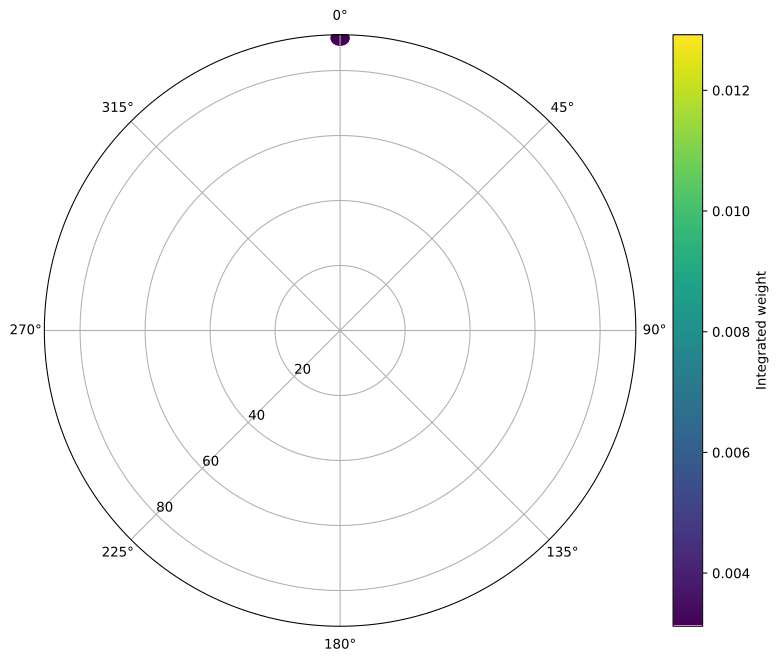
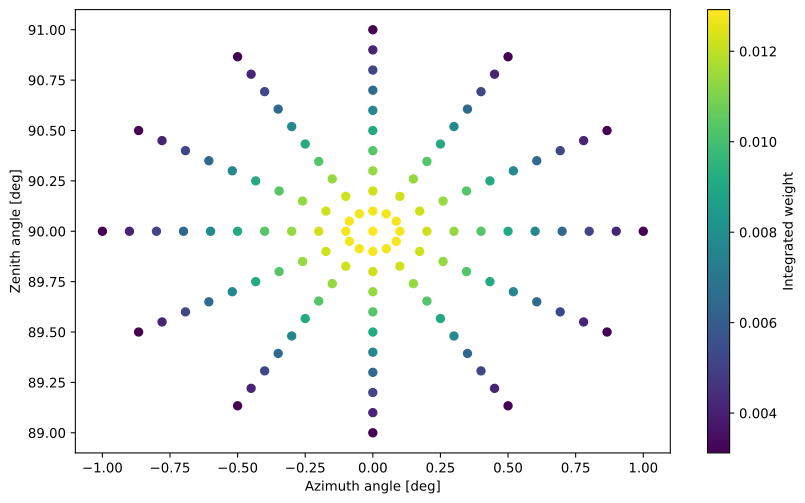
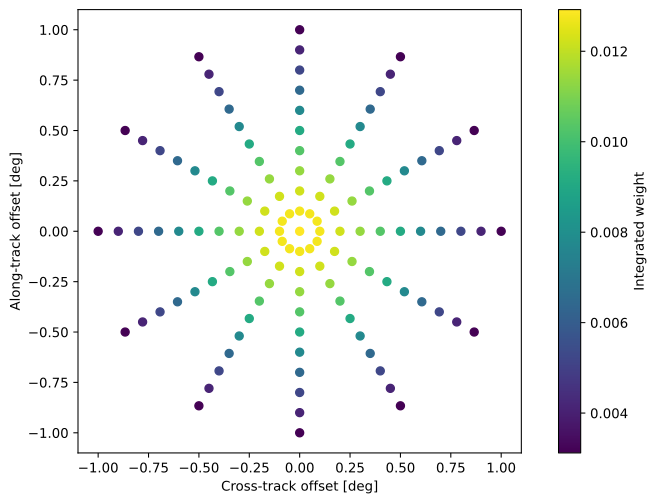
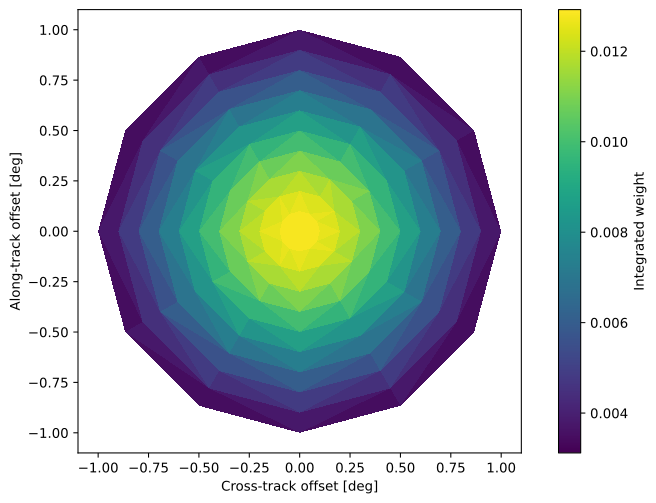
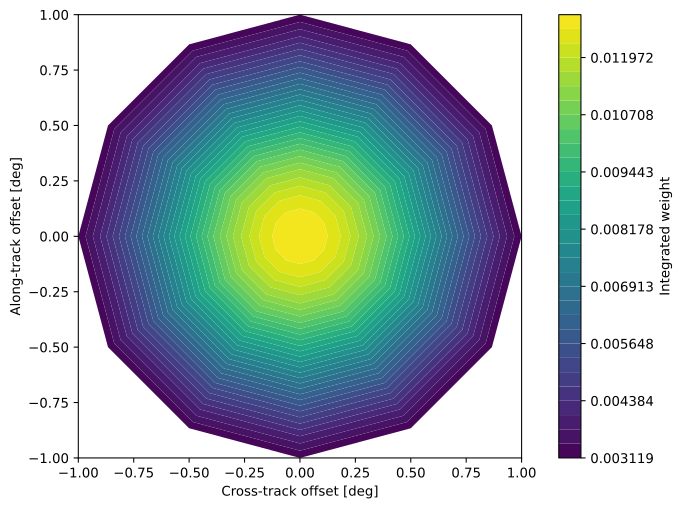
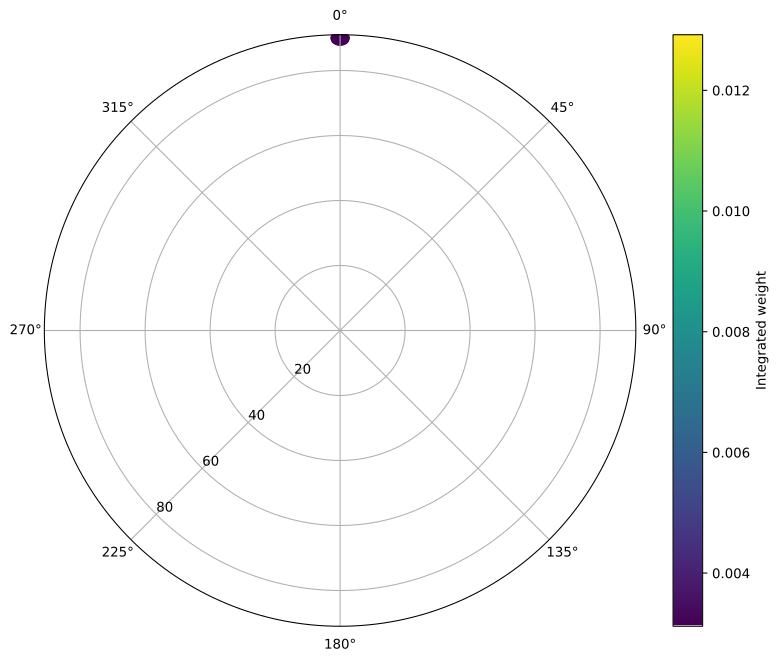
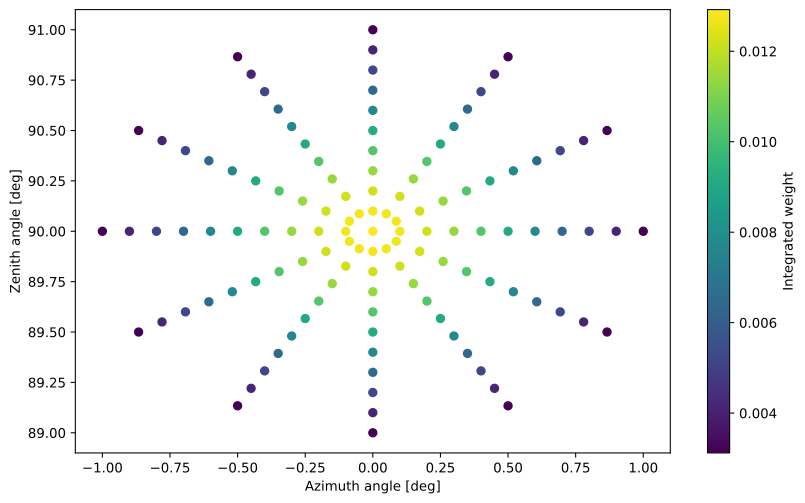
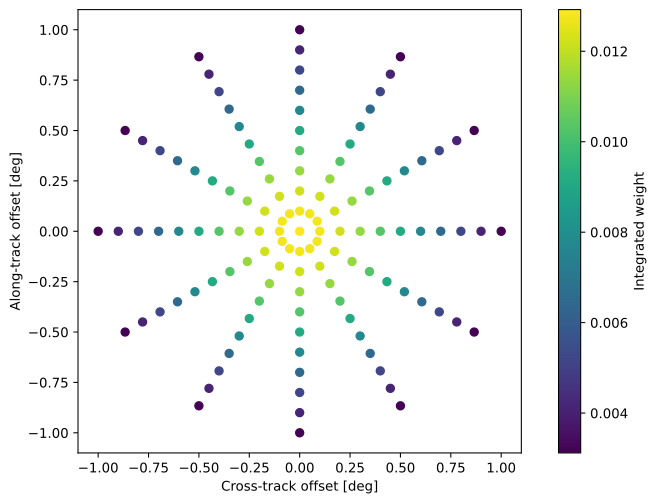
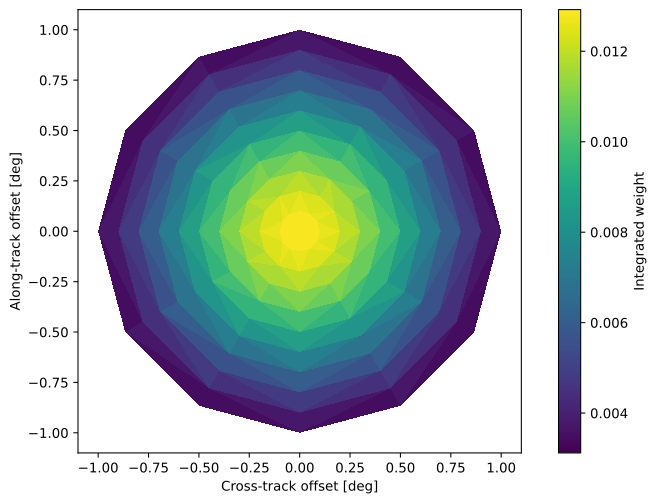
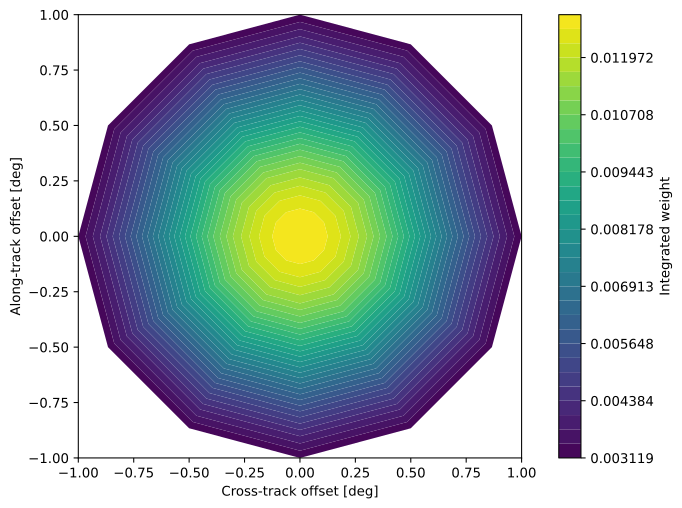
polar=Trueswitches to a geometry view. By default, geometry plots use the storedSensorObsel.posloszenith and azimuth values so the plotted coordinates match the observation element directly. Settingpoint_spread=Truecolors the geometry samples by their reduced weights, integrated over all frequencies unlessifreqselects one frequency column. The geometrytypeselects whether those weighted samples appear as discrete points, a smooth triangulated cloud, or filled triangulated contours.Example
import pyarts3 as pyarts
import numpy as np

ant = pyarts.arts.sensor.GaussianAiryAntenna(np.linspace(0, 1, 11), 0.3, azi_grid_size=12)
ch = pyarts.arts.sensor.DiracChannel(100e9)
obsel = ant(ch, [1, 0, 0], [90, 0], pyarts.arts.planets.Earth.ellipsoid)

pyarts.plots.SensorObsel.plot(obsel, polar=True, point_spread=True)
pyarts.plots.SensorObsel.plot(obsel, point_spread=True, wrap_azimuth=True)
pyarts.plots.SensorObsel.plot(obsel, point_spread=True, frame="local")
pyarts.plots.SensorObsel.plot(obsel, point_spread=True, frame="local", type="cloud")
pyarts.plots.SensorObsel.plot(obsel, point_spread=True, frame="local", type="contour")
- Parameters:
data (SensorObsel) – A single sensor observation element.
fig (~matplotlib.figure.Figure, optional) – The matplotlib figure to draw on. Defaults to None for new figure.
ax (~matplotlib.axes.Axes | list[~matplotlib.axes.Axes] | ~numpy.ndarray[~matplotlib.axes.Axes] | None, optional) – The matplotlib axes to draw on. Defaults to None for new axes.
keys (str | list) – The keys to use for line plotting. Options are in
SensorKeyType. Ignored whenpolarorpoint_spreadis enabled.pol (str | Stokvec) – The polarization to use for plotting. Defaults to
"I".polar (bool, optional) – If True, plot the observation geometry in polar coordinates. Defaults to False.
point_spread (bool, optional) – If True, color the observation geometry by weight values. Defaults to False.
type (str | None, optional) – Geometry rendering type.
"points"shows discrete samples,"cloud"draws a smooth triangulated color cloud, and"contour"draws filled triangulated contours. Interpolated types requirepoint_spread=True,frame="local", andpolar=False. Defaults toNone, which behaves like"points".ifreq (int | None, optional) – Frequency index to use for point-spread values. If None, integrates over frequency.
colorbar (bool, optional) – If True, add a colorbar to point-spread plots. Defaults to True.
frame (str, optional) – Geometry frame for
polarandpoint_spreadplots."global"uses the stored zenith/azimuth coordinates fromSensorObsel.poslos, while"local"uses a bore-centered frame inferred from the weighted LOS samples. Defaults to"global".wrap_azimuth (bool, optional) – If True, wrap azimuths to
[-180, 180)before geometry plotting. Defaults to False.**kwargs (
keyword arguments) – Additional keyword arguments to pass to the plotting functions.
- Returns:
fig (matplotlib.figure.Figure) – As input if input. Otherwise the created Figure.
ax (matplotlib.axes.Axes) – As input if input. Otherwise the created Axes.
SortedGriddedField1.plot
- pyarts3.plots.SortedGriddedField1.plot(data: SortedGriddedField1, *, fig: Figure | None = None, ax: Axes | list[Axes] | ndarray[Axes] | None = None, **kwargs) tuple[Figure, Axes | list[Axes] | ndarray[Axes]][source]
Plot a SortedGriddedField1 as a line plot using its grid.
Example
import pyarts3 as pyarts
import numpy as np

# Create a gridded field
freqs = pyarts.arts.AscendingGrid(np.linspace(1e9, 1e12, 100))
data = pyarts.arts.Vector(np.exp(-((freqs - 5e11)/1e11)**2))

field = pyarts.arts.SortedGriddedField1()
field.grids = (freqs,)
field.data = data
field.gridnames = ("Frequency [Hz]",)
field.dataname = "Response"

pyarts.plots.SortedGriddedField1.plot(field)
(
Source code,svg,pdf)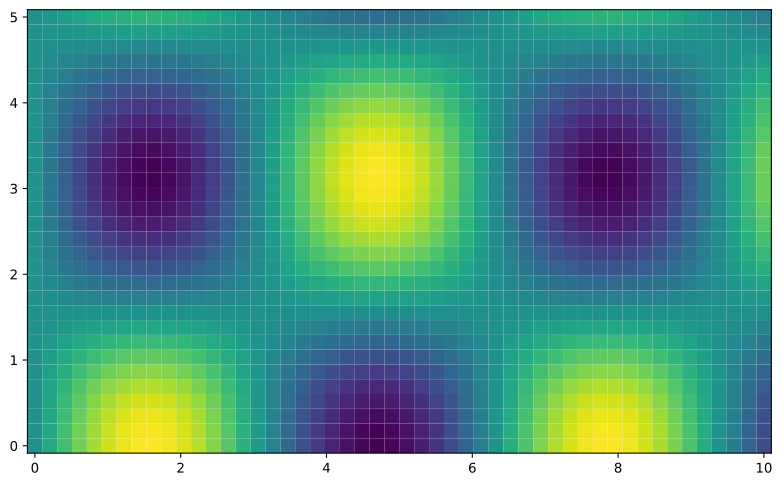
- Parameters:
data (SortedGriddedField1) – A 1D sorted gridded field with named grid
fig (~matplotlib.figure.Figure, optional) – The matplotlib figure to draw on. Defaults to None for new figure.
ax (~matplotlib.axes.Axes | list[~matplotlib.axes.Axes] | ~numpy.ndarray[~matplotlib.axes.Axes] | None, optional) – The matplotlib axes to draw on. Defaults to None for new axes.
**kwargs (
keyword arguments) – Additional keyword arguments to pass to the plotting functions.
- Returns:
fig (matplotlib.figure.Figure) – As input if input. Otherwise the created Figure.
ax (matplotlib.axes.Axes) – As input if input. Otherwise the created Axes.
SortedGriddedField2.plot
- pyarts3.plots.SortedGriddedField2.plot(data: SortedGriddedField2, *, fig: Figure | None = None, ax: Axes | list[Axes] | ndarray[Axes] | None = None, **kwargs) tuple[Figure, Axes | list[Axes] | ndarray[Axes]][source]
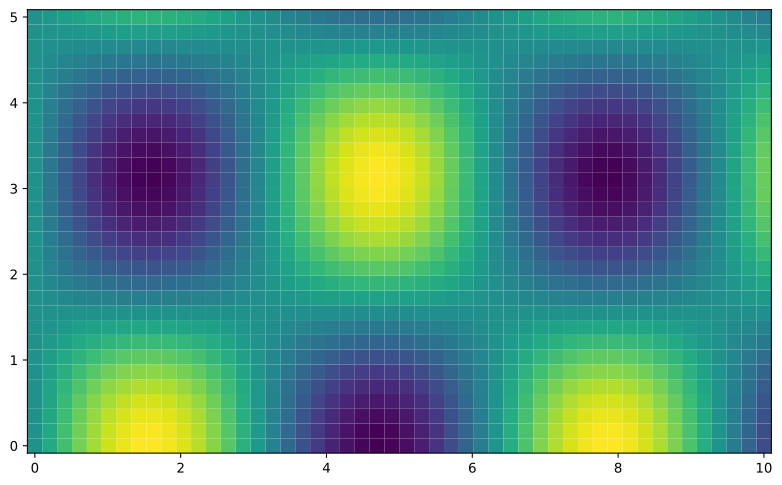
Plot a SortedGriddedField2 as a 2D heatmap using its sorted grids.
Example
import pyarts3 as pyarts
import numpy as np

x = np.linspace(0, 10, 50)
y = np.linspace(0, 5, 30)
X, Y = np.meshgrid(x, y, indexing='ij')
Z = np.sin(X) * np.cos(Y)

sgf2 = pyarts.arts.SortedGriddedField2()
sgf2.grids = [pyarts.arts.AscendingGrid(x), pyarts.arts.AscendingGrid(y)]
sgf2.data = pyarts.arts.Matrix(Z)

fig, ax = pyarts.plots.SortedGriddedField2.plot(sgf2)
(
Source code,svg,pdf)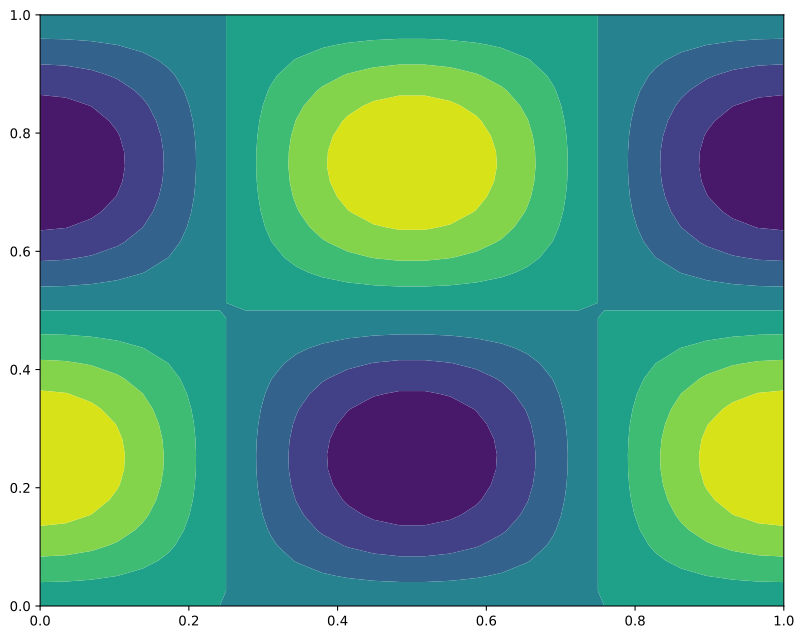
- Parameters:
data (SortedGriddedField2) – A 2D sorted gridded field with ascending grids
fig (~matplotlib.figure.Figure, optional) – The matplotlib figure to draw on. Defaults to None for new figure.
ax (~matplotlib.axes.Axes | list[~matplotlib.axes.Axes] | ~numpy.ndarray[~matplotlib.axes.Axes] | None, optional) – The matplotlib axes to draw on. Defaults to None for new axes.
**kwargs (
keyword arguments) – Additional keyword arguments to pass to the plotting functions.
- Returns:
fig (matplotlib.figure.Figure) – As input if input. Otherwise the created Figure.
ax (matplotlib.axes.Axes) – As input if input. Otherwise the created Axes.
StokvecMatrix.plot
- pyarts3.plots.StokvecMatrix.plot(data: StokvecMatrix, *, fig: Figure | None = None, ax: Axes | list[Axes] | ndarray[Axes] | None = None, xgrid: Vector | None = None, ygrid: Vector | None = None, component: Stokvec = [1, 0, 0, 0], **kwargs) tuple[Figure, Axes | list[Axes] | ndarray[Axes]][source]
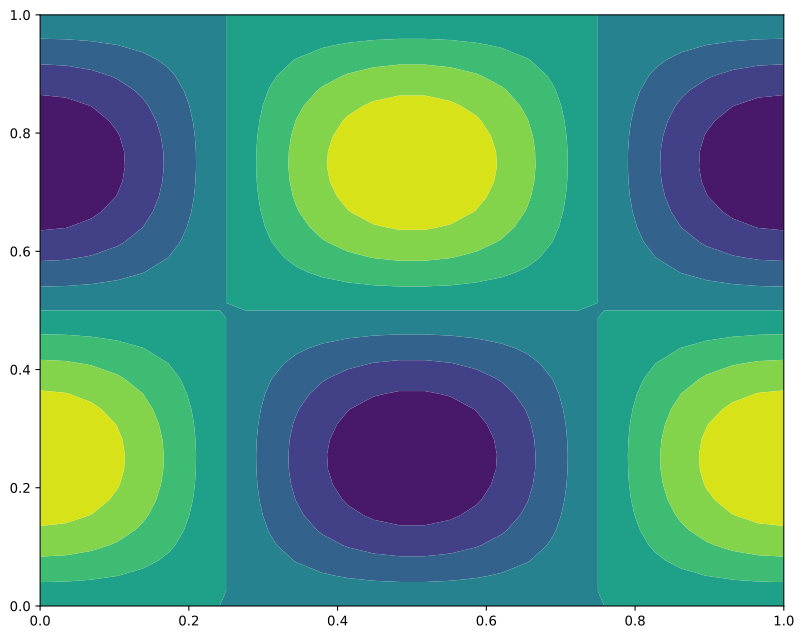
Plot a Stokes vector matrix as a 2D heatmap for a specific component.
Example
import pyarts3 as pyarts
import numpy as np

# Create a 2D radiance field
nx, ny = 40, 30
x = np.linspace(0, 2*np.pi, nx)
y = np.linspace(0, 2*np.pi, ny)
X, Y = np.meshgrid(x, y, indexing='ij')

stokes_mat = pyarts.arts.StokvecMatrix(np.zeros((nx, ny, 4)))
stokes_mat[:, :, 0] = np.sin(X) * np.cos(Y)  # I component

pyarts.plots.StokvecMatrix.plot(stokes_mat)
(
Source code,svg,pdf)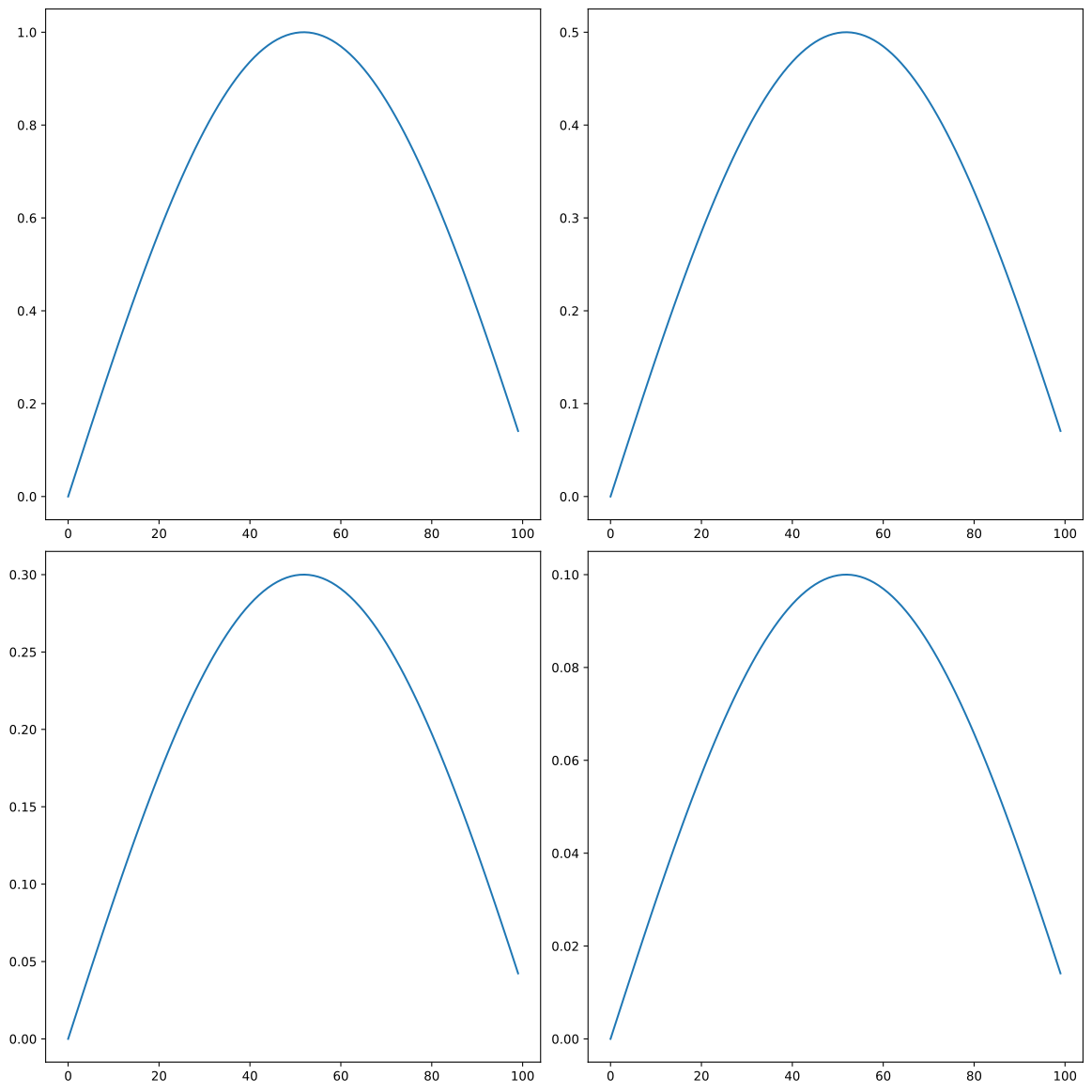
- Parameters:
data (StokvecMatrix) – A matrix of Stokes vectors (4 components each)
fig (~matplotlib.figure.Figure, optional) – The matplotlib figure to draw on. Defaults to None for new figure.
ax (~matplotlib.axes.Axes | list[~matplotlib.axes.Axes] | ~numpy.ndarray[~matplotlib.axes.Axes] | None, optional) – The matplotlib axes to draw on. Defaults to None for new axes.
xgrid (~pyarts3.arts.Vector, optional) – X-axis values. If None, uses column indices. Defaults to None.
ygrid (~pyarts3.arts.Vector, optional) – Y-axis values. If None, uses row indices. Defaults to None.
component (~pyarts3.arts.Stokvec, optional) – Which Stokes component to plot. Defaults to I.
**kwargs (
keyword arguments) – Additional keyword arguments to pass to the plotting functions.
- Returns:
fig (matplotlib.figure.Figure) – As input if input. Otherwise the created Figure.
ax (matplotlib.axes.Axes) – As input if input. Otherwise the created Axes.
StokvecVector.plot
- pyarts3.plots.StokvecVector.plot(data: StokvecVector, *, fig: Figure | None = None, ax: Axes | list[Axes] | ndarray[Axes] | None = None, freqs: AscendingGrid | None = None, component: Stokvec | None = None, **kwargs) tuple[Figure, Axes | list[Axes] | ndarray[Axes]][source]
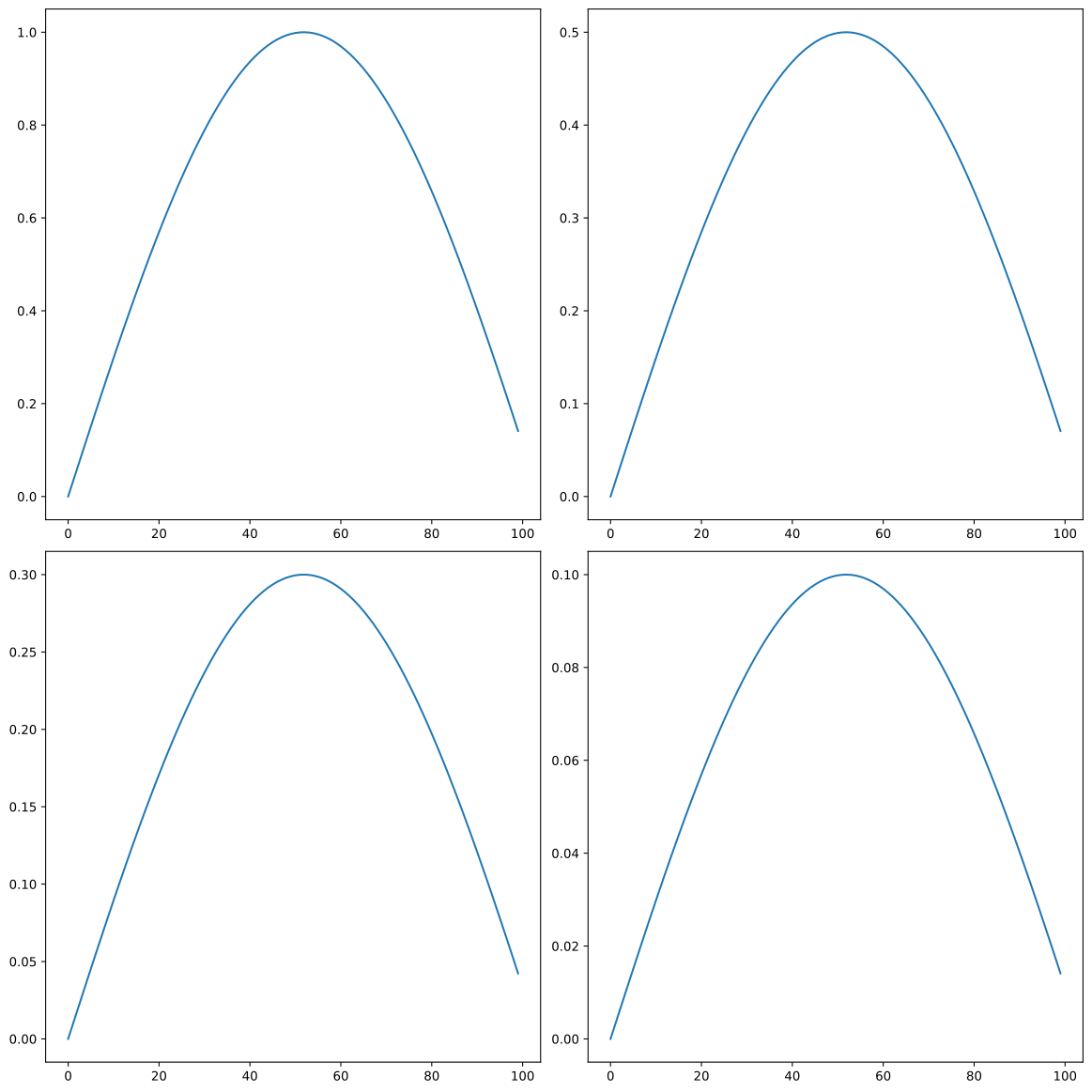
Plot the Stokes vectors.
Example
import pyarts3 as pyarts
import numpy as np

stokvec_vec = pyarts.arts.StokvecVector(np.outer(np.sin(np.linspace(0, 3, 100)), [1, 0.5, 0.3, 0.1]))
fig, ax = pyarts.plots.StokvecVector.plot(stokvec_vec)
(
Source code,svg,pdf)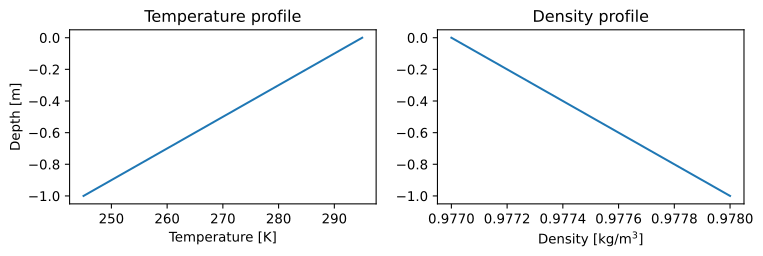
- Parameters:
data (StokvecVector) – A vector of Stokes vectors (each with 4 components: I, Q, U, V)
fig (~matplotlib.figure.Figure, optional) – The matplotlib figure to draw on. Defaults to None for new figure.
ax (~matplotlib.axes.Axes | list[~matplotlib.axes.Axes] | ~numpy.ndarray[~matplotlib.axes.Axes] | None, optional) – The matplotlib axes to draw on. Defaults to None for new axes.
freqs (~pyarts3.arts.AscendingGrid | None, optional) – Frequency or position grid for x-axis. If None, uses indices.
component (~pyarts3.arts.Stokvec | None, optional) – If None, show grid of 4 subplots (I,Q,U,V). If a 4-vector, plot dot product with each sample.
**kwargs (
keyword arguments) – Additional keyword arguments to pass to the plotting functions.
- Returns:
fig (matplotlib.figure.Figure) – As input if input. Otherwise the created Figure.
ax (matplotlib.axes.Axes) – As input if input. Otherwise the created Axes.
SubsurfaceField.plot
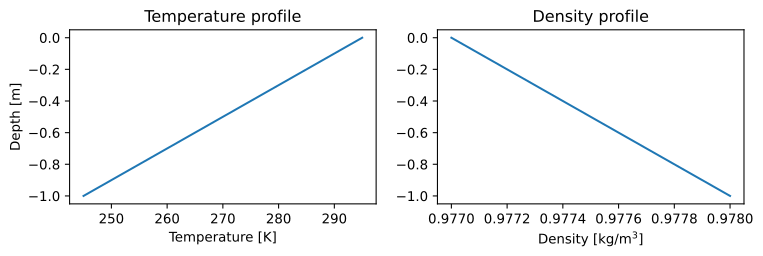
- pyarts3.plots.SubsurfaceField.plot(data: SubsurfaceField, *, fig: Figure | None = None, ax: Axes | list[Axes] | ndarray[Axes] | None = None, alts: AscendingGrid | float = [-1, -0.5, 0], lats: LatGrid | float = 0, lons: LonGrid | float = 0, ygrid: Vector | None = None, keys: list | None = None, **kwargs) tuple[Figure, Axes | list[Axes] | ndarray[Axes]][source]
Plot select subsurface field parameters by extracting a profile.
Example
import matplotlib.pyplot as plt
import numpy as np
import pyarts3 as pyarts

subsurf_field = pyarts.arts.SubsurfaceField(bottom_depth=-1)
subsurf_field["t"] = lambda alt, lat, lon: 295 + 5 * alt * 10
subsurf_field["rho"] = lambda alt, lat, lon: 0.977 - 0.001 * alt

fig = plt.figure(figsize=(14, 8))
fig, subs = pyarts.plots.SubsurfaceField.plot(subsurf_field, alts=np.linspace(-1, 0), fig=fig, keys=["t", "rho"])
subs.flatten()[0].set_title("Temperature profile")
subs.flatten()[1].set_title("Density profile")
subs.flatten()[0].set_ylabel("Depth [m]")
subs.flatten()[0].set_xlabel("Temperature [K]")
subs.flatten()[1].set_xlabel("Density [kg/m$^3$]")
(
Source code,svg,pdf)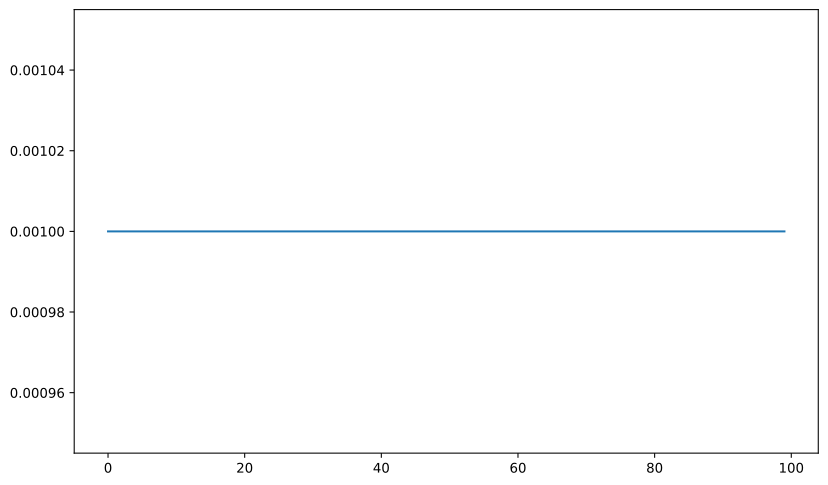
- Parameters:
data (SubsurfaceField) – A subsurface field
fig (~matplotlib.figure.Figure, optional) – The matplotlib figure to draw on. Defaults to None for new figure.
ax (~matplotlib.axes.Axes | list[~matplotlib.axes.Axes] | ~numpy.ndarray[~matplotlib.axes.Axes] | None, optional) – The matplotlib axes to draw on. Defaults to None for new axes.
alts (~pyarts3.arts.AscendingGrid | float, optional) – A grid to plot on - must after broadcast with lats and lons be 1D. Defaults to np.linspace(0, 1e5, 51).
lats (~pyarts3.arts.LatGrid | float, optional) – A grid to plot on - must after broadcast with alts and lons be 1D. Defaults to 0.
lons (~pyarts3.arts.LonGrid | float, optional) – A grid to plot on - must after broadcast with alts and lats be 1D. Defaults to 0.
ygrid (~pyarts3.arts.Vector | None, optional) – Choice of y-grid for plotting. Uses broadcasted alts if None. Defaults to None.
keys (list, optional) – A list of keys to plot. Defaults to None for all keys in
keys().**kwargs (
keyword arguments) – Additional keyword arguments to pass to the plotting functions.
- Returns:
fig (matplotlib.figure.Figure) – As input if input. Otherwise the created Figure.
ax (matplotlib.axes.Axes) – As input if input. Otherwise the created Axes.
Sun.plot
- pyarts3.plots.Sun.plot(data: Sun, *, fig: Figure | None = None, ax: Axes | list[Axes] | ndarray[Axes] | None = None, freqs: AscendingGrid | None = None, **kwargs) tuple[Figure, Axes | list[Axes] | ndarray[Axes]][source]
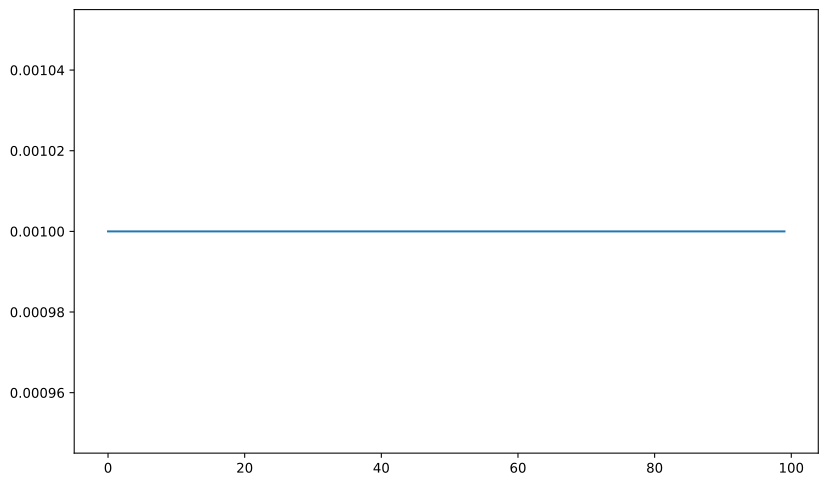
Plot the solar spectrum.
Example
import pyarts3 as pyarts
import numpy as np

# Create a simplified sun object
sun = pyarts.arts.Sun()
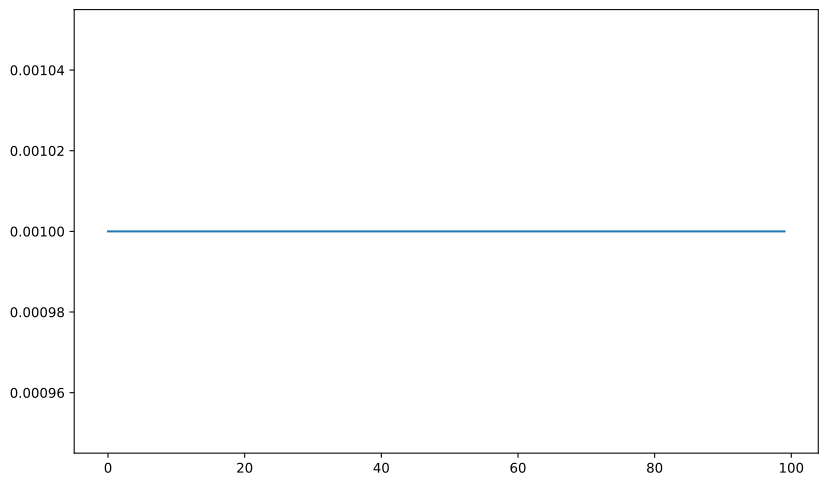
sun.spectrum = pyarts.arts.Vector(np.ones(100) * 1e-3)  # Accepts Vector
sun.radius = 6.96e8  # meters
sun.distance = 1.496e11  # meters (1 AU)
sun.latitude = 0.0
sun.longitude = 0.0

pyarts.plots.Sun.plot(sun)
(
Source code,svg,pdf)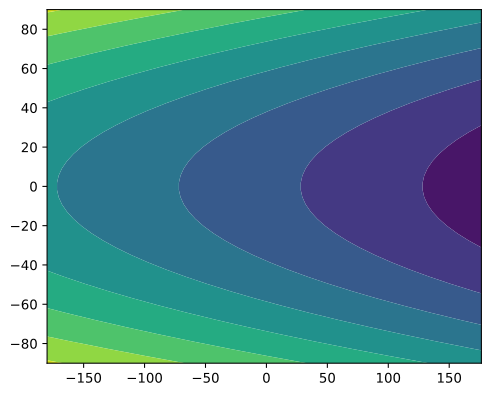
- Parameters:
data (Sun) – A Sun object containing spectrum and properties
fig (~matplotlib.figure.Figure, optional) – The matplotlib figure to draw on. Defaults to None for new figure.
ax (~matplotlib.axes.Axes | list[~matplotlib.axes.Axes] | ~numpy.ndarray[~matplotlib.axes.Axes] | None, optional) – The matplotlib axes to draw on. Defaults to None for new axes.
freqs (~pyarts3.arts.AscendingGrid | None, optional) – Frequency grid for x-axis. If None, uses indices. Defaults to None.
**kwargs (
keyword arguments) – Additional keyword arguments to pass to the plotting functions.
- Returns:
fig (matplotlib.figure.Figure) – As input if input. Otherwise the created Figure.
ax (matplotlib.axes.Axes) – As input if input. Otherwise the created Axes.
SurfaceField.plot
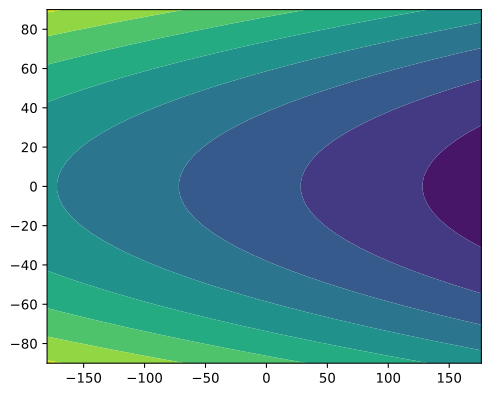
- pyarts3.plots.SurfaceField.plot(data: ~pyarts3.arts.SurfaceField, *, fig: ~matplotlib.figure.Figure | None = None, ax: ~matplotlib.axes._axes.Axes | list[~matplotlib.axes._axes.Axes] | ~numpy.ndarray[~matplotlib.axes._axes.Axes] | None = None, lats: ~pyarts3.arts.LatGrid = -90, -86.3265306122449, -82.65306122448979, ..., 82.65306122448979, 86.32653061224491, 90, lons: ~pyarts3.arts.LonGrid = -180, -176.4, -172.8, ..., 169.2, 172.8, 176.40000000000003, keys: list | None = None, **kwargs) tuple[Figure, Axes | list[Axes] | ndarray[Axes]][source]
Plot surface field parameters on a grid.
Example
import pyarts3 as pyarts
import numpy as np

f = pyarts.arts.SurfaceField()
f.ellipsoid = [1.0, 1]
f['t'] = lambda lat, lon: 280 + 0.5 * lat**2 - 10 * lon
pyarts.plots.SurfaceField.plot(f)
(
Source code,svg,pdf)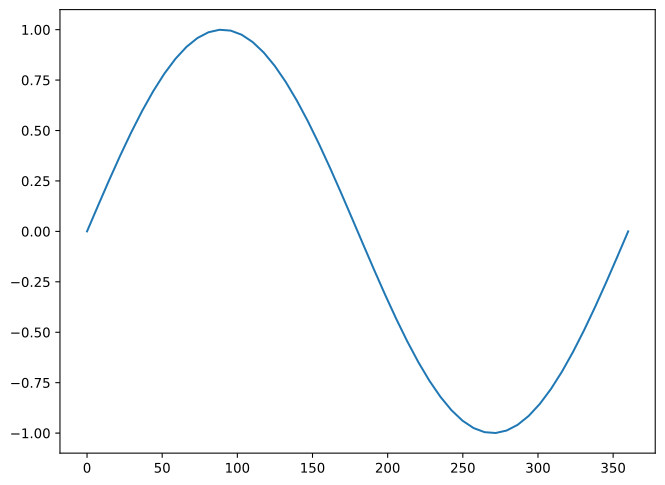
- Parameters:
data (SurfaceField) – A surface field containing surface parameters
fig (~matplotlib.figure.Figure, optional) – The matplotlib figure to draw on. Defaults to None for new figure.
ax (~matplotlib.axes.Axes | list[~matplotlib.axes.Axes] | ~numpy.ndarray[~matplotlib.axes.Axes] | None, optional) – The matplotlib axes to draw on. Defaults to None for new axes.
lats (~pyarts3.arts.LatGrid, optional) – Latitude grid for sampling. Defaults to [-90, 90].
lons (~pyarts3.arts.LonGrid, optional) – Longitude grid for sampling. Defaults to [-180, 180).
keys (list | None, optional) – List of keys to plot. If None, plots all available keys. Defaults to None.
**kwargs (
keyword arguments) – Additional keyword arguments to pass to the plotting functions.
- Returns:
fig (matplotlib.figure.Figure) – As input if input. Otherwise the created Figure.
ax (matplotlib.axes.Axes) – As input if input. Otherwise the created Axes.
Vector.plot
- pyarts3.plots.Vector.plot(data: Vector, *, fig: Figure | None = None, ax: Axes | list[Axes] | ndarray[Axes] | None = None, xgrid: Vector | None = None, **kwargs) tuple[Figure, Axes | list[Axes] | ndarray[Axes]][source]
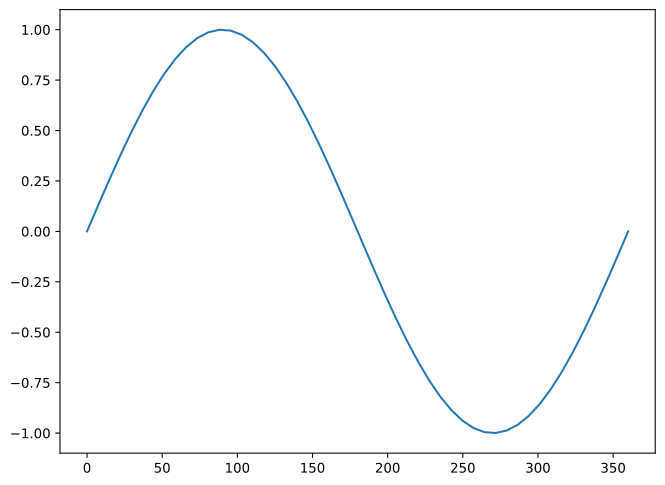
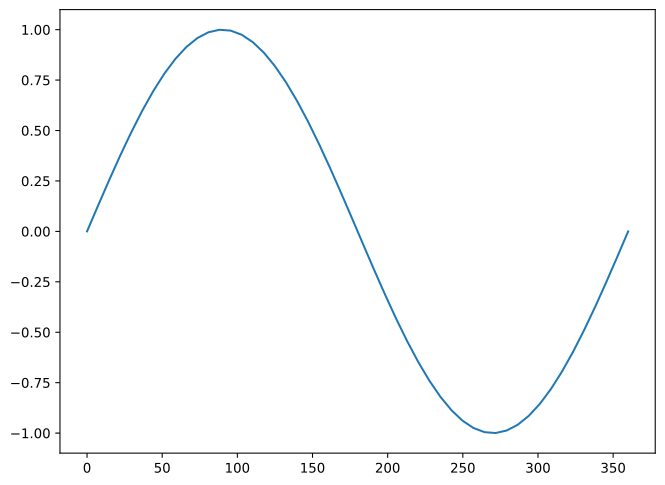
Plot a Vector as a line plot.
Example
import pyarts3 as pyarts
import numpy as np

# Create a simple vector
x = np.linspace(0, 2*np.pi, 50)
vec = pyarts.arts.Vector(np.sin(x))

pyarts.plots.Vector.plot(vec, xgrid=pyarts.arts.convert.rad2deg(x))
(
Source code,svg,pdf)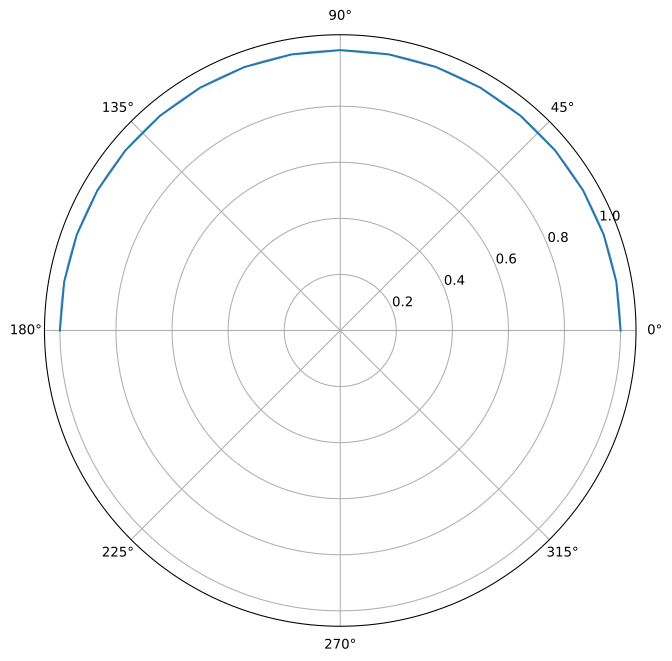
- Parameters:
data (Vector) – A 1D array of numeric values
fig (~matplotlib.figure.Figure, optional) – The matplotlib figure to draw on. Defaults to None for new figure.
ax (~matplotlib.axes.Axes | list[~matplotlib.axes.Axes] | ~numpy.ndarray[~matplotlib.axes.Axes] | None, optional) – The matplotlib axes to draw on. Defaults to None for new axes.
xgrid (~pyarts3.arts.Vector | None, optional) – The x-coordinates for the plot. If None, the index of the data is used.
**kwargs (
keyword arguments) – Additional keyword arguments to pass to the plotting functions.
- Returns:
fig (matplotlib.figure.Figure) – As input if input. Otherwise the created Figure.
ax (matplotlib.axes.Axes) – As input if input. Otherwise the created Axes.
ZenGrid.plot
- pyarts3.plots.ZenGrid.plot(data: ZenGrid, *, fig: Figure | None = None, ax: Axes | list[Axes] | ndarray[Axes] | None = None, polar: bool = False, **kwargs) tuple[Figure, Axes | list[Axes] | ndarray[Axes]][source]
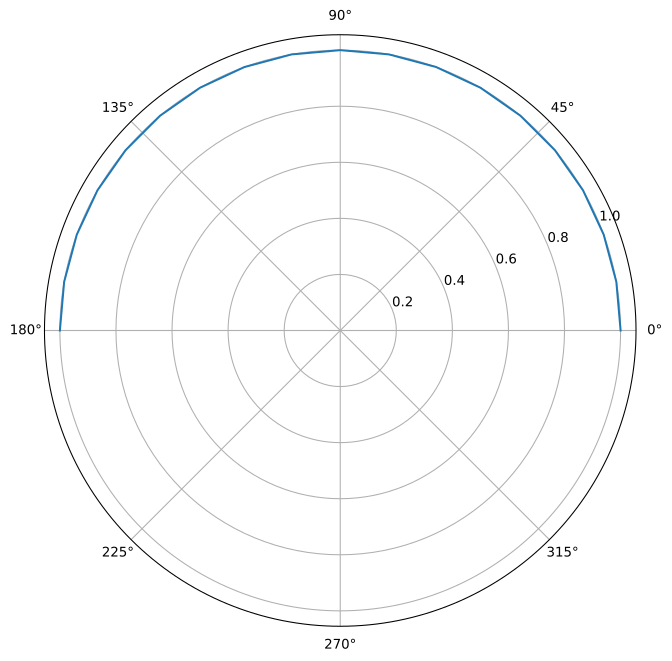
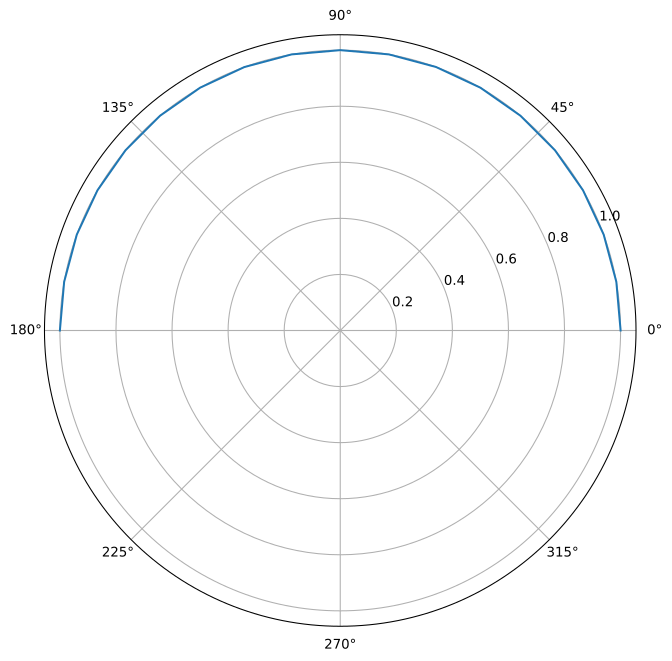
Plot a ZenGrid showing zenith angles.
Example
import pyarts3 as pyarts
import numpy as np

# Create zenith angles from 0° (up) to 180° (down)
zenith = pyarts.arts.ZenGrid(np.linspace(0, 180, 19))

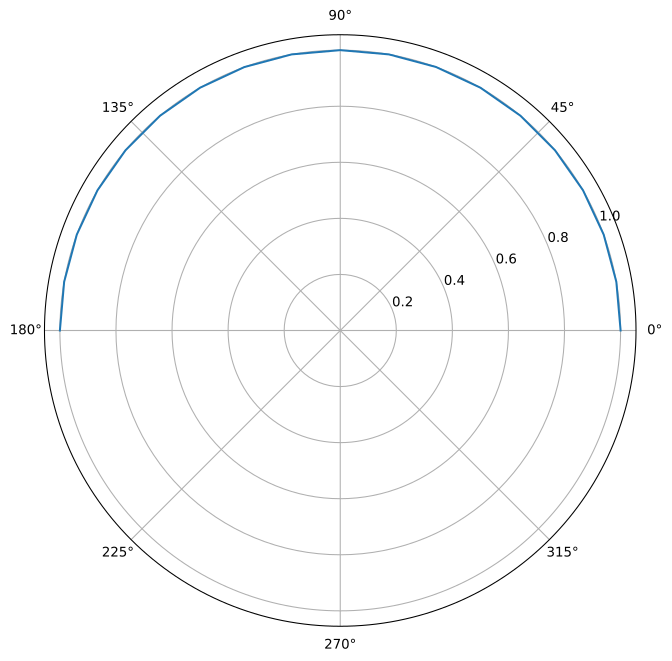
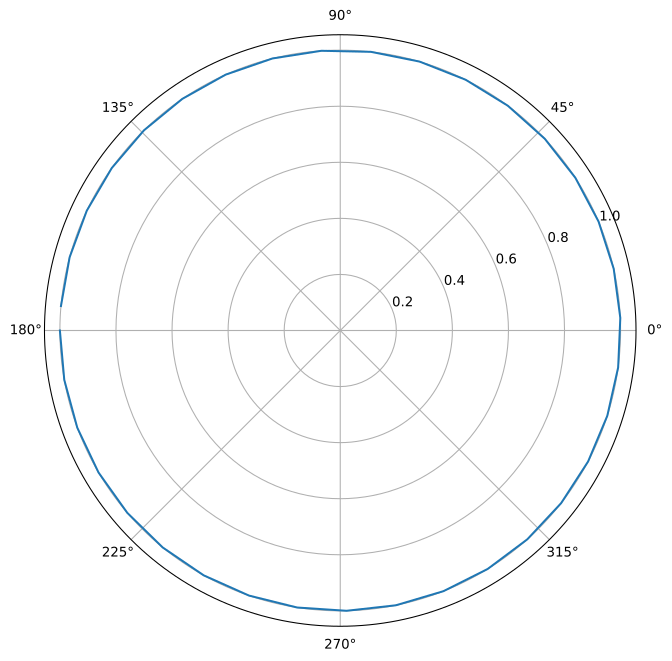
pyarts.plots.ZenGrid.plot(zenith, polar=True)
(
Source code,svg,pdf)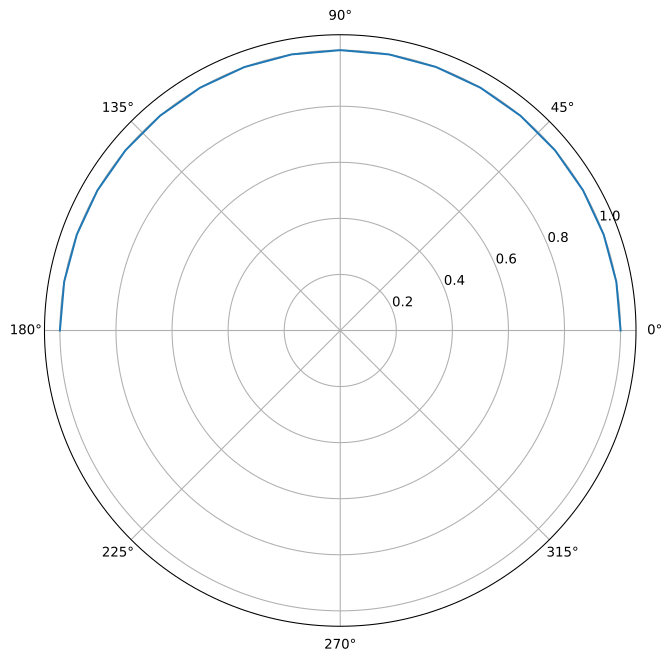
- Parameters:
data (ZenGrid) – A sorted grid of zenith angles [0, 180]
fig (~matplotlib.figure.Figure, optional) – The matplotlib figure to draw on. Defaults to None for new figure.
ax (~matplotlib.axes.Axes | list[~matplotlib.axes.Axes] | ~numpy.ndarray[~matplotlib.axes.Axes] | None, optional) – The matplotlib axes to draw on. Defaults to None for new axes.
polar (bool, optional) – If True, use polar plot. Defaults to False.
**kwargs (
keyword arguments) – Additional keyword arguments to pass to the plotting functions.
- Returns:
fig (matplotlib.figure.Figure) – As input if input. Otherwise the created Figure.
ax (matplotlib.axes.Axes) – As input if input. Otherwise the created Axes.